

In 12 years and 100+ Shopify audits, I keep finding the same five leaks. None of them sit inside checkout. They all sit in the cart, and standard Shopify analytics will not show them to you.
TL;DR: Most Shopify stores lose revenue between add-to-cart and begin-checkout, not inside checkout itself. The five hidden causes are silently bundled fees from apps like Route or Navidium, cart drawers that add a click for impulse buyers, bundle apps that retain quantity multipliers, zero trust signals near the checkout button, and shipping costs that surface only at payment. Fix the cart first.
Why this matters for your store
- A 74.6% drop between
add_to_cartandbegin_checkoutin GA4 is a cart problem, not a checkout problem, and it costs you real revenue. - Baymard Institute’s meta-analysis of 49 studies pegs average cart abandonment at 70.19%, and 49% of shoppers cite extra costs as the reason.
- Each of these five leaks is invisible to Shopify’s native conversion report and only shows up in funnel data, session recordings, or manual cart testing.
For the broader 2026 cart and checkout benchmarks (mobile vs desktop CVR, Shop Pay lift, completion rates by step, Shopify-specific medians), my free Shopify Statistics 2026 tool loads the full sourced dataset and lets you filter by revenue tier and CVR so the benchmarks match your store size, not someone else’s.
How silently bundled fees from Route and Navidium kill conversions
Package protection apps like Route, Navidium, and Corso Shipping default to opt-in checkboxes that look opt-out. They tack 2-5% onto the cart total under a label most shoppers skim past.
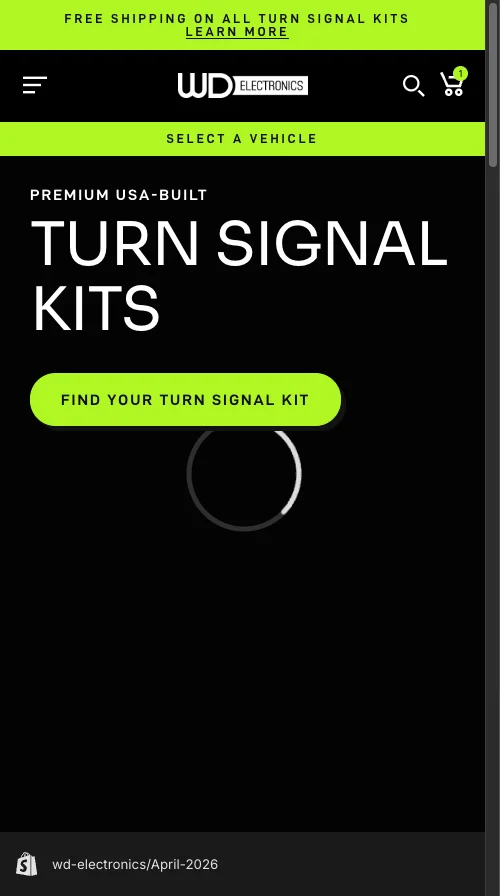
A WD Electronics UTV accessories cart I audited showed the symptom clearly. A $578.00 turn signal kit hit the CTA as “VIP CHECKOUT | $607.97”. The extra $29 was package protection, added by default, with the opt-out demoted to a small text link below the checkout button. Abandonment sat above 82%, which is high even by Statista’s 82-86% benchmark for automotive parts.
Baymard’s data is blunt on this. 49% of US shoppers abandon because extra costs feel too high, and the surprise of the cost matters as much as the amount. A $29 fee on a $578 order is 5%. Show it without explanation and it reads as a hidden charge.
The fix: Make every bundled add-on opt-in. Present it as a labeled checkbox the customer actively ticks. Your cart total should match the sum of product prices, full stop. Audit Route, Navidium, Corso, ShipAid, and any free-gift app for default-on settings.
Why your cart drawer drops 74% of mobile impulse buyers
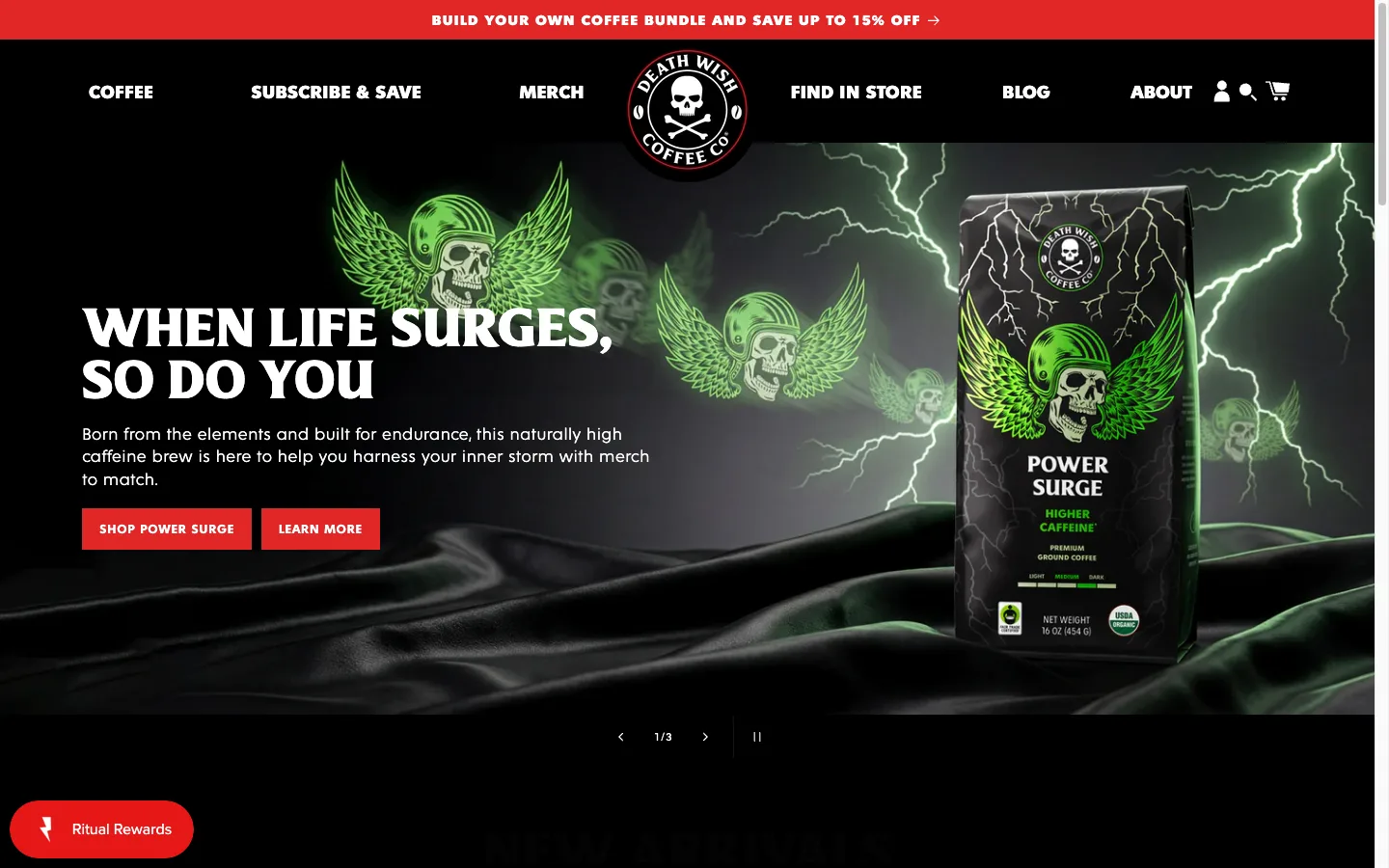
A DTC water bottle brand I work with sells one hero SKU at GBP 30, driven entirely by paid social. GA4 showed 236 users add-to-cart. Only 60 began checkout. That is a 74.6% drop at a stage where 30-50% is healthy.
The cart drawer was the leak. Every “Add to Cart” click opened a slide-out with product details, a quantity stepper, and a “Proceed to Checkout” button buried below the fold on a 375px viewport. For a GBP 30 impulse buy, that extra tap was fatal. The decision was already made on the PDP. Every step after that gives the customer time to reconsider, see another notification, or get distracted.
The ads buyer summed it up in Slack: “When he clicks once, directly to the checkout page.”
The fix: For single-product or impulse stores, skip the cart drawer entirely. Send the ATC button straight to /checkout with cart attributes, or use Shop Pay’s accelerated checkout button as the primary CTA. For multi-product catalogs that need a cart, make the checkout button the loudest element in the drawer and pin it to the top, never below the fold.
How bundle apps inflate the cart 4x with quantity multipliers
Same water bottle store, second leak. Customers tapping “Add to Cart” for one bottle were ending up with four. The cart showed GBP 120 instead of GBP 30.
The culprit was a bundle app retaining the last-selected tier multiplier. Browse the 4-pack, navigate back to the single-bottle PDP, hit ATC, and the app applies the bundle quantity to a single-unit purchase. No customer recovers from a cart total that is 4x what they expected. No Klaviyo abandoned-cart flow saves that session.
The fix: Test the ATC flow after every app install, theme update, or schema edit. Open an incognito window. Add one unit. Confirm the cart shows exactly one unit at the PDP price. Repeat across variants and bundle paths. Bundle apps like Fast Bundle, Bold Bundles, and Rebuy are the usual suspects. If you find this bug, removing the app’s interference with the quantity parameter on the cart line item is the only durable fix.
The trust-bar fix that reassures buyers at the commit moment
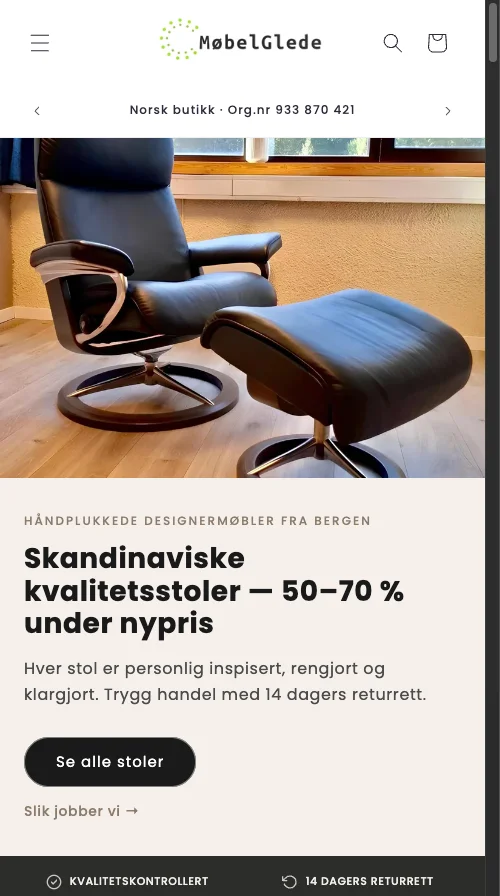
A Norwegian used-furniture marketplace I audited had a cart drawer with nothing between the subtotal and the checkout button. No badges, no payment icons, no return policy, no shipping estimate. Just product, quantity, total, button.
That store also had heavy shipping. 990 NOK for home delivery and 590 NOK for PostNord parcel. Neither number appeared until the customer was three steps deep in checkout. On a 2,000-5,000 NOK used-furniture order, that shipping is a 12-50% price increase revealed at the worst possible moment.
Baymard’s checkout usability research has confirmed for over a decade that trust signals near the action point reduce abandonment. Google’s mobile commerce work flags “visible security signals” as a purchase-completion factor.
The fix: Add a compact trust bar between cart totals and the checkout button. Include:
- Secure checkout badge
- Payment icons for Visa, Mastercard, Vipps, Klarna, and Shop Pay
- A one-line return policy (“14-day free returns”)
- Shipping visibility (“Free shipping over X” or a calculated estimate)
For the Norwegian store, I also surfaced a shipping estimate inside the cart drawer so the 990 NOK number stopped landing as a checkout-stage ambush.
Why hidden shipping costs are the single biggest abandonment cause
This one shows up in almost every audit I run. Baymard’s 2024 data is consistent with every prior iteration of their study: 49% of US shoppers abandon because extra costs (shipping, tax, fees) are too high. The number has not moved in a decade.
The nuance most stores miss: customers do not object to paying for shipping. They object to discovering the cost late. A shopper who saw “Free shipping over $75” on the homepage has a frame. A shopper who sees nothing until checkout step three, then meets a $12.99 fee, feels misled. International orders compound this. Duties and cross-border fees can add 20-30%, and if none of it surfaces before payment, abandonment is near guaranteed.
The fix, ranked by impact:
- Display “Shipping calculated at checkout” in the cart at minimum.
- Show an estimated rate using Shopify’s geolocation data.
- Run flat-rate or threshold-based free shipping and announce it sitewide, on the PDP, and in the cart.
If shipping exceeds 10% of AOV, install a shipping calculator inside the cart. The friction it adds is trivial against the abandonment caused by a checkout-stage surprise.
Three smaller cart leaks worth fixing this week
These are not full case studies, but they hit often enough to call out.
Cart note fields expanded by default. Fewer than 2% of shoppers use them. They push the checkout button below the fold on mobile. Collapse the field behind a toggle or remove it.
Quantity steppers on single-unit products. Supplements, electronics, and most single-SKU items rarely sell in multiples. A static “1” beats a plus/minus selector that competes for thumb space in a 375px drawer.
Empty-cart dead ends. “Your cart is empty” with no next step is a bounce page. Drop in a “Continue Shopping” button to your bestsellers or render a Recharge or Rebuy recommendation block.
How to verify your cart in 30 minutes
- Build the GA4 funnel.
add_to_carttobegin_checkouttopurchase. Identify the largest drop. If step one to step two exceeds 60%, the cart is your prime suspect, not checkout. My Shopify CRO audit checklist walks the full process. - Manual ATC test. Incognito window. One product, one click. Confirm quantity is 1 and total matches the PDP. Repeat across every bundle and upsell path. Bundle apps are where quantity bugs hide. I cover building a native bundle without an app for stores that want out.
- Watch 20 session recordings. Microsoft Clarity or Hotjar, filtered for
add_to_cartwithoutbegin_checkout. Look for rage clicks, checkout-button hesitation, and item removals after totals appear. - Real-phone audit. Pick up your phone. Is the checkout button visible without scrolling? Are trust signals present? Is shipping disclosed?
- Disable apps one by one. Package protection, upsells, bundles, free-gift apps, and cart drawers all mutate cart state. Toggle each off and re-test. Before blaming the cart, also rule out the GA4 tracking issues I cover here.
The takeaway
- Audit your GA4 funnel from
add_to_carttobegin_checkoutfirst; anything over 60% drop is a cart issue. - Cut every silently-added fee from Route, Navidium, and similar apps to opt-in only.
- Test ATC in incognito after every app or theme change to catch bundle-app quantity multipliers.
- Add a trust bar with payment icons, return policy, and shipping visibility between subtotal and checkout button.
- Surface shipping costs in the cart, never at the payment step, to neutralize Baymard’s 49% extra-cost objection.