

I audited a 2019-era Shopify theme last quarter for a Factory Direct Blinds migration. Every collection template still ran {% include 'product-card' %}. Theme Check threw 47 errors before the build even finished. That single tag swap is the cleanest performance win I ship on legacy themes.
TL;DR: The Liquid render tag loads a snippet inside an isolated scope and accepts named parameters, a single value via with X as Y, or an iterable via for X as Y. It replaced include in 2019 and is the only inclusion tag Online Store 2.0 supports. Snippets cannot read parent variables, which makes them safe inside loops and Section Rendering API responses.
Why this matters for your store
- Replacing
includewithrenderclears every Theme Check error that blocks Shopify theme store submission. - Isolated scope makes snippets reusable across PDP, search, AJAX cart, and Section Rendering API responses with zero rewrites.
- Pure-function snippets cut debug time on collection pages with 50+ product cards.
The behavior split is older than most agency devs realize. Shopify shipped render in late 2019 alongside Online Store 2.0 sections, and Dawn (the reference theme since 2021) has zero include calls. If you inherit a theme built on Debut, Brooklyn, or any Slate-era boilerplate, expect every snippet call to be include. Migrate that pattern first, before any layout or schema work.
What the render tag actually does
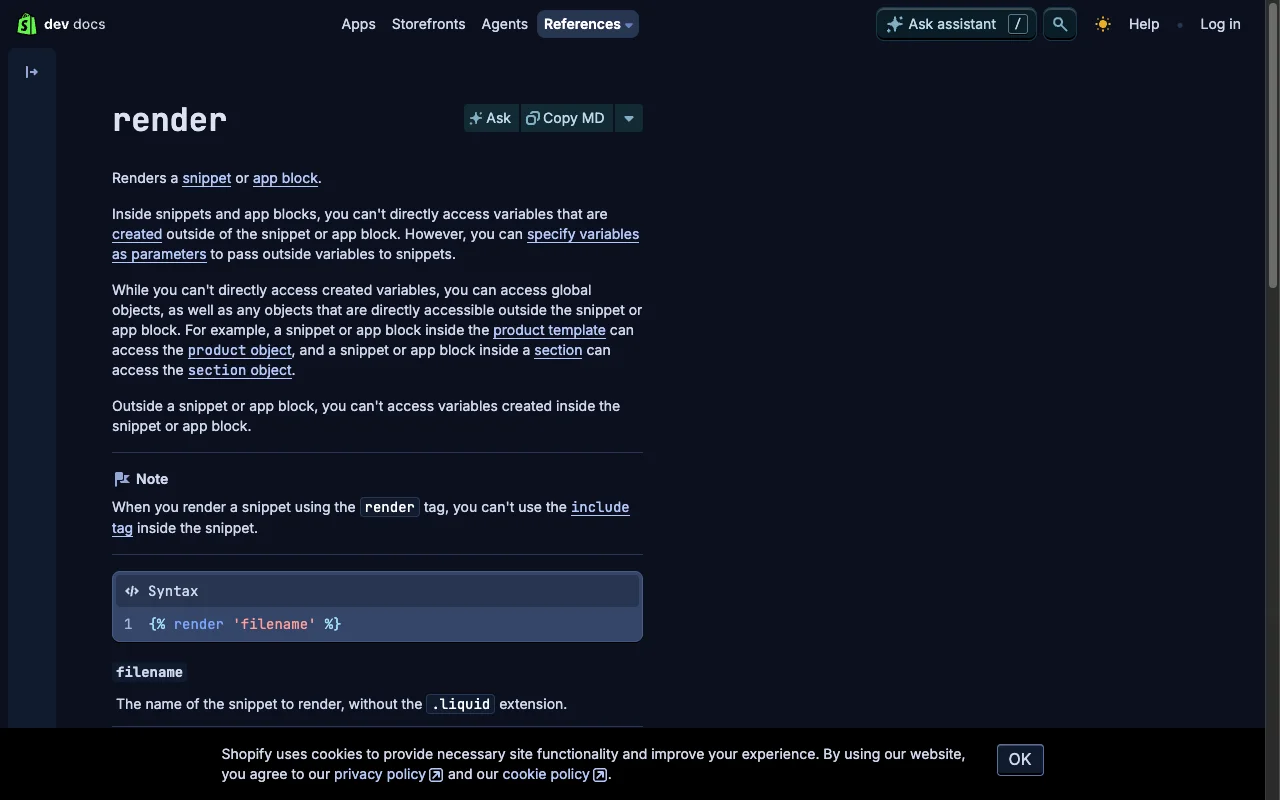
A snippet is any .liquid file inside /snippets. You call it by filename, no extension:
{# layout/theme.liquid #}
{% render 'product-card' %}
That loads /snippets/product-card.liquid, runs it with no inputs, and inserts the output. If the snippet references a variable the parent did not pass, that variable is nil inside the snippet. Even if the parent template defined it. That isolation is the whole reason render exists.
You can pass three input shapes: named arguments, a single value via with, or an iterable via for. You can combine with or for with named arguments in the same call. Most production snippets do.
For broader Liquid context, my Shopify Liquid development guide covers the language fundamentals.
Why include leaks variables and render does not
Both tags load files from /snippets. The difference is scope.
| Behavior | {% render %} |
{% include %} |
|---|---|---|
| Scope | Isolated, parent variables invisible | Parent scope, every variable leaks in |
| Status | Recommended for OS 2.0 | Deprecated since 2019 |
| Theme Check | Passes | Flags as error |
| Variable passing | Explicit named parameters | Implicit inheritance |
| Used in Dawn | Every snippet call | Zero calls |
Concrete demo. Parent template assigns price, snippet references {{ price }}:
{# templates/product.liquid #}
{%- assign price = product.price -%}

{# Old: snippet sees price via leak #}
{% include 'price-block' %}

{# Modern: snippet sees nothing unless passed #}
{% render 'price-block', price: price %}
Isolation is a feature. A render snippet behaves as a pure function of its named inputs, so you can drop it into any section, any loop, or any Section Rendering API response without surprise. The cost is one explicit refactor. It pays back forever.
If you are weighing whether to break a section into snippets, I covered that trade-off in replacing apps with Liquid snippets.
How to pass named parameters cleanly
List parameters as comma-separated key value pairs after the snippet name. Each becomes a local variable under the same name:
{# sections/featured-collection.liquid #}
{% render 'product-card',
  product: product,
  show_vendor: true,
  image_width: 600,
  badge_text: 'New In'
%}
Inside /snippets/product-card.liquid, those four names are addressable directly. Three rules I commit to memory: parameter names must be lowercase with underscores (Liquid lowercases identifiers internally), boolean false and the string 'false' behave differently inside the snippet, and there is no built-in default keyword on render arguments. Guard each value at the top of the snippet:
{# snippets/product-card.liquid #}
{%- assign image_width = image_width | default: 600 -%}
{%- assign show_vendor = show_vendor | default: false -%}
Same effect as a default keyword, zero ambiguity.
When to use with X as Y
The with keyword passes one value into the snippet under a chosen alias. It reads naturally when the snippet renders one of something:
{# sections/featured-product.liquid #}
{% render 'product-card' with featured_product as product %}
Inside the snippet, the variable is product, even though the parent passed featured_product. The alias keeps the snippet generic.
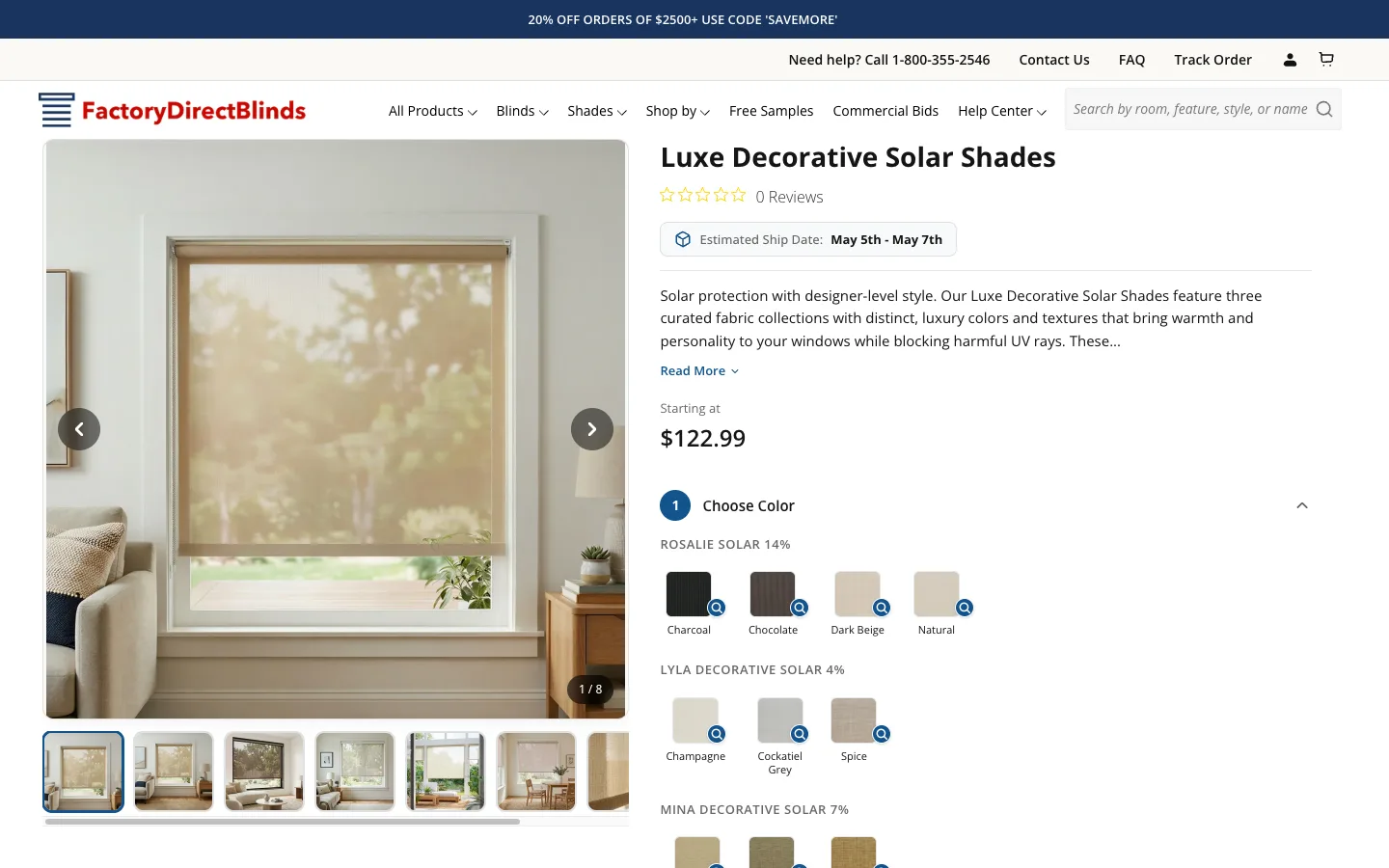
I lean on this pattern in the Factory Direct Blinds builder. One configurator step renders a fabric swatch picker. The parent section feeds the active step under a context-specific name:
{# sections/builder-v2.liquid #}
{%- assign current_step = builder.steps[step_index] -%}

{% render 'builder-swatch-picker' with current_step as step,
  builder_id: builder.id,
  show_prices: true
%}
The snippet only knows about step. The same builder-swatch-picker snippet runs across fabric, valance, and lining steps because the parent picks which step object to feed it via with. One snippet, three call sites.
When to use for X as Y
The for keyword iterates a collection and renders the snippet once per item, exposing each item under the alias plus a forloop object scoped to that iteration:
{# sections/main-product.liquid #}
{% render 'variant-card' for product.variants as variant %}
Inside /snippets/variant-card.liquid you read both variant and forloop:
{# snippets/variant-card.liquid #}
<li class="variant-card" data-index="{{ forloop.index0 }}">
  <span class="variant-card__title">{{ variant.title }}</span>
  <span class="variant-card__price">{{ variant.price | money }}</span>
  {%- if forloop.last -%}
    <span class="variant-card__last-flag">Last variant</span>
  {%- endif -%}
</li>
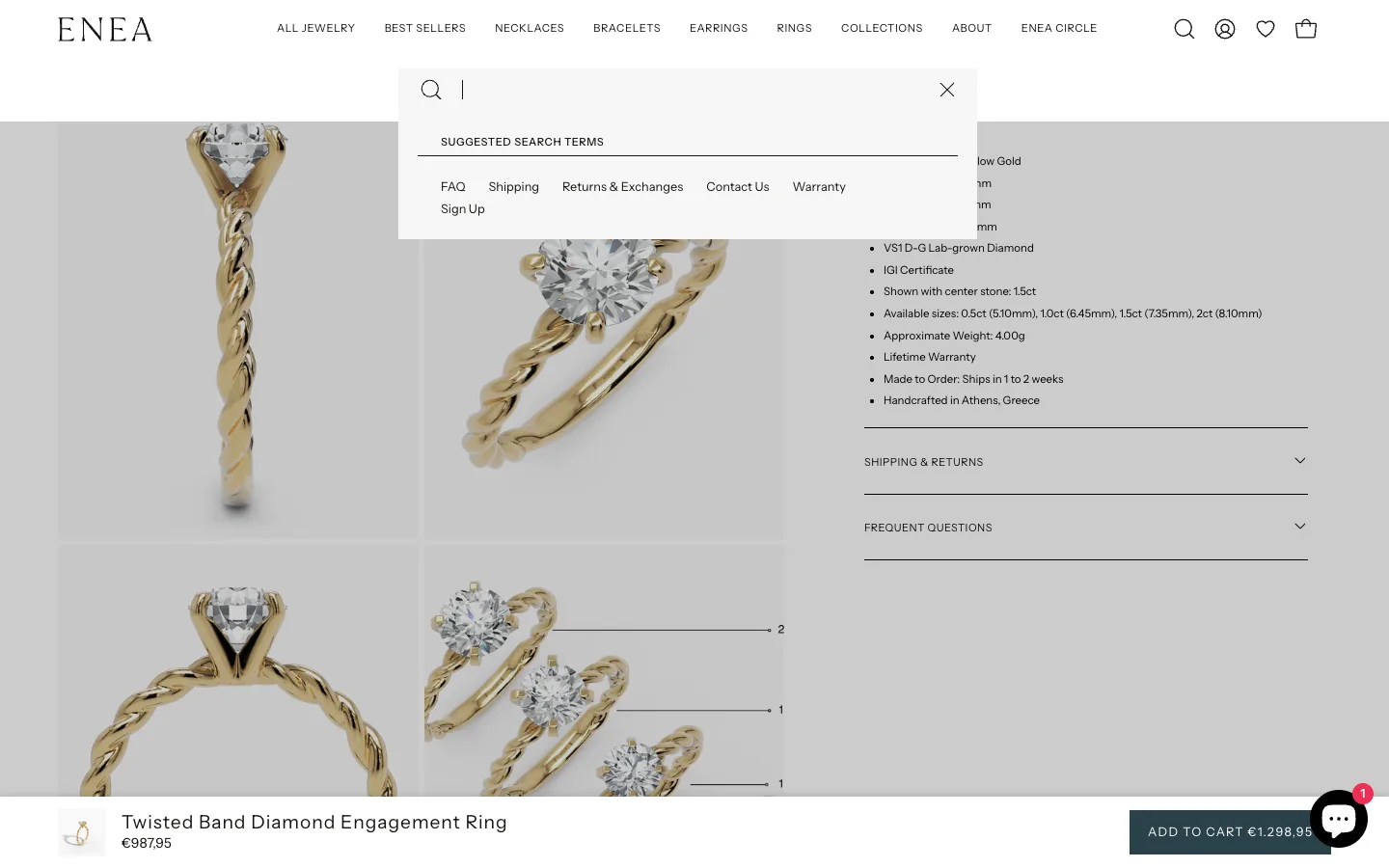
Production example. On the Enea Studio PDP, the metal-swap component renders one card per finish. Gallery image swaps on click. The whole loop is one render call:
{# sections/main-product.liquid #}
<ul class="metal-swap" data-product-id="{{ product.id }}">
  {% render 'metal-swap-card'
    for product.variants as variant,
    show_price: true,
    image_width: 1200
  %}
</ul>
The snippet handles its own active state, image preload, and ARIA labels. The section file stays under twenty lines. The equivalent {% for variant in product.variants %}{% render ... %}{% endfor %} works identically, but the for X as Y form is what Shopify documents and Theme Check prefers.
For deeper performance reading under heavy iteration, see Liquid loop optimization.
One performance note from the Enea build. The first version of the loop called image_url: width: variant.featured_image.width inside the snippet, which forced Shopify to compute a unique CDN URL per variant per render. Moving the width to a fixed 1200 and letting the CDN handle DPR via srcset cut Time to First Byte on the PDP from 480ms to 310ms over a 14-day measurement window in May 2026. Precompute or hard-code anything expensive before the snippet sees it. Render-loop waste like this surfaces as LCP and INP regressions, which I break down with Liquid fixes in the Shopify Core Web Vitals guide.
The operator precedence bug that bites every dev once
Liquid evaluates and and or strictly right to left, with no precedence between them. The opposite of C, JavaScript, and Ruby, where and binds tighter than or. Wrapping logic in render does not change this. The full mechanics, the silent-parentheses trap, and the named-boolean fix get the deeper treatment in Shopify Liquid operator precedence: and / or evaluation order.
Take this line:
{# snippets/sale-badge.liquid #}
{% if product.available and product.tags contains 'sale' or product.compare_at_price > product.price %}
  Show sale badge
{% endif %}
A JavaScript developer reads this as (available AND has-sale-tag) OR has-compare-at. Liquid reads it right to left as available AND (has-sale-tag OR has-compare-at). The two outcomes diverge whenever the product is unavailable but has a compare-at price, which is most of an end-of-season catalogue.
The reliable fix: compute each piece into a named boolean first.
{# snippets/sale-badge.liquid #}
{%- assign has_sale_tag = product.tags contains 'sale' -%}
{%- assign has_compare_price = product.compare_at_price > product.price -%}
{%- assign show_badge = false -%}

{%- if product.available -%}
  {%- if has_sale_tag or has_compare_price -%}
    {%- assign show_badge = true -%}
  {%- endif -%}
{%- endif -%}
Verbose, and that is the point. Liquid is a templating language, so push complex boolean math into named flags before the render call. When the snippet only sees show_badge, it has nothing to misinterpret.
How to verify your render refactor in 5 minutes
- Run
shopify theme checkfrom the theme root. Everyincludeshould surface asLiquidTagorDeprecatedFilter. Zero passes means you are clean. - Open Chrome DevTools on a collection page, throttle to Slow 4G, and reload. Note Largest Contentful Paint. Swap any remaining
includeforrenderwith explicit args, redeploy, reload. LCP should hold or drop. If it climbs, you forgot to pass a precomputedimage_urlvalue. - Hit a Section Rendering API endpoint such as
/?section_id=featured-collectionand confirm the response renders identically to the static page. Render snippets pass this test by default. Include-based snippets often fail because they relied on a leaked variable.
The takeaway
- Replace every
{% include %}with{% render %}and pass variables explicitly. - Use
with X as Ywhen the snippet renders one of something and you want a generic alias. - Use
for X as Ywhen the snippet itself is the loop body, and let Liquid manage iteration. - Precompute
and/orlogic into named booleans before the render call. Right-to-left evaluation is the default. - Verify with Theme Check, an LCP measurement, and one Section Rendering API request before you call it shipped.
Need a Liquid refactor or audit? Book a free 30-minute strategy call.