

Shopify Magic is free on every plan, and that is exactly why so many stores now read like the same store. The generate button writes a product description in a few seconds, and most merchants ship that draft untouched. That untouched draft is where conversions and AI citations quietly leak.
TL;DR: Shopify Magic is a free suite of AI features built into every Shopify plan: product descriptions, blog posts, email, image editing, and the Sidekick assistant. It is a fast first-draft engine, not a finished-copy engine. Published raw, its output is generic and forgettable. Edited for fact-density, the same draft converts better and hands AI shopping agents the extractable facts they reward.
Why this matters for your store
- Magic is free and one click away, so the question is not whether you use it but whether you ship its raw output, which reads like every competitor running the same tool.
- Product copy is where both a human buyer’s decision and an AI agent’s recommendation get made, so generic Magic copy leaks on both fronts at once.
- The edit that fixes it takes minutes per product, and it is the difference between copy that fills a field and copy that earns a sale or a citation.
What is Shopify Magic, and is it free?
Shopify Magic is Shopify’s free suite of AI features, included on every plan from Starter to Plus at no extra cost. There is nothing to install and no upsell.
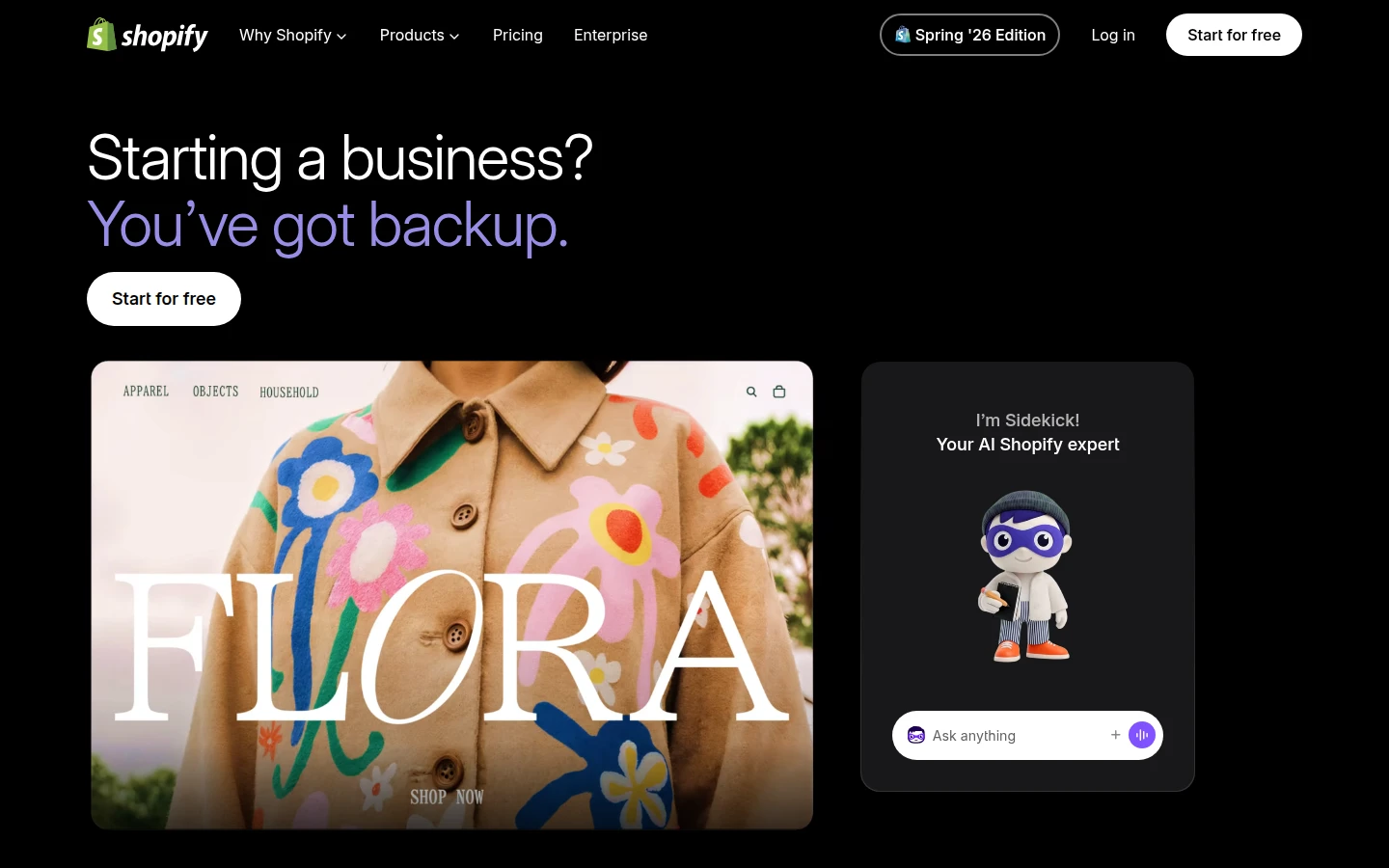
It is not one tool. It is a set woven across the admin: product descriptions, blog posts, email copy, image editing, theme building, and customer-segment summaries. Sidekick is the conversational assistant inside the same system, so much so that shopify.com/magic now redirects straight to the Sidekick page. When people say “Shopify Magic,” they mean this whole AI layer, and Sidekick is how you talk to it.
What can Shopify Magic do in 2026?
Here is the honest feature map, by where each one lives in your admin.
| What it does | Where it lives |
|---|---|
| Draft product descriptions | Product admin, Description field |
| Write blog posts | Online Store blog editor |
| Generate email subject lines and body | Shopify email |
| Edit and generate images (background removal, banners, edge fill) | Media editor and Sidekick |
| Build theme sections and blocks from a prompt | Theme editor |
| Summarize customer segments and projections | Customer analytics |
Every one of these runs on a short text or image prompt, and every one produces a draft you are expected to review before it goes live. None of it is a publish-and-forget button, whatever the demo suggests.
What did the June 2026 edition add to Shopify Magic?
Shopify’s June 17, 2026 edition pushed Magic deeper into theme building. AI block generation now works with any Shopify Theme Store theme, not a shortlist, so you can describe a section in plain language and have Sidekick build it without code. Sidekick also arrived in the mobile Online Store editor for the first time, and the image tools gained better background and edge generation. You can read the full set on the Shopify changelog. The direction is unmistakable: more of the build moves into natural-language prompts every release.
Should you publish Shopify Magic copy as-is?
No, and this is the part the feature tour skips. The default Magic description is grammatical, on-topic, and generic. It reaches for the obvious adjectives and skips the specifics a buyer actually decides on.
I see it on audits constantly: a catalog of descriptions that could belong to any brand, because they were all drafted by the same model from the same thin prompt. The copy fills the field and says nothing.
Generic copy is a conversion tax and an AI-citation tax at the same time. A shopper scanning for whether the jacket is water-resistant does not find the answer, and neither does the AI agent trying to decide whether to recommend it.
How do you make Shopify Magic copy convert and get cited by AI?
Treat the draft as a skeleton and load it with facts. This is my CRO read, not a Shopify claim: Shopify does not market Magic as AI-search optimized, so do not assume the raw output is.
What AI shopping agents reward, and what buyers scan for, is the same thing: extractable specifics. Materials, exact dimensions, fit, compatibility, care, use cases. So edit every Magic draft to lead with the concrete fact, strip the marketing voice, and add the numbers Magic left vague.
That is the exact copy pattern I argue for in the agentic storefronts guide, and Magic simply makes the first draft faster. Then audit the result against your Product schema, because a clean description sitting over broken schema still gets the product skipped by agents. The whole discipline is generative engine optimization: write the fact an engine can quote, not the slogan it ignores.
What are Shopify Magic’s limits?
Three worth knowing before you lean on it.
Text generation is desktop only. You cannot draft a product description or blog post from an iPhone or Android, even though Sidekick’s editor reached mobile in June 2026. Generally available features support all Shopify languages, so that is not the constraint.
And Shopify is clear that you own the accuracy. Magic will write a confident sentence that is simply wrong about your product, so every draft needs a human check before publish. Once your edited copy is live, track whether it actually earns AI citations, so you know the edit paid for itself rather than assuming it did.
How to use Shopify Magic well this week
Three steps, none longer than an afternoon.
- Take your 10 highest-traffic products. Generate a Magic description for each, then edit every one for materials, dimensions, and use cases. Skeleton from Magic, facts from you.
- Use Magic for the first draft of blog and email copy, then rewrite the opening line. The first sentence is what a human and an engine both judge, so never ship Magic’s.
- Give Sidekick one theme section you have been putting off. It is the lowest-risk way to see what the natural-language build actually does on your theme.
The takeaway
- Use Shopify Magic. It is free on every plan and a genuinely fast first draft.
- Never ship the raw output. Generic copy is a conversion tax and an AI-citation tax at once.
- Edit every draft for extractable facts: materials, dimensions, fit, use cases.
- Respect the limits: desktop-only text generation, and you own the accuracy.
- Pair Magic copy with clean Product schema, or AI agents skip the product no matter how good the words are.
Kaspian Fuad is a Shopify CRO consultant and Liquid developer who works on conversion and AI-search visibility for DTC brands. 12 years in ecommerce, 100+ stores, Top Rated Plus on Upwork. Book a free 30-minute call if you want your product copy audited for conversion and AI citation.