

I audited 14 Shopify catalogs in March 2026 to see which ones ChatGPT actually recommends. 11 had thin product copy. 9 had broken Product schema. Two were getting cited by name. Same category, same price band. The gap was data, not budget.
TL;DR: Agentic Storefronts let ChatGPT, Perplexity, Microsoft Copilot, and Google Gemini recommend and sell your products inside chat windows, with Shopify-powered direct checkout handling the purchase. They are opt-out, so eligible stores are on by default; the work is not flipping a switch but earning the recommendation. Fill every product field with extractable facts, fix Product and Review schema, and treat your catalog as the data layer agents read from.
If you want ChatGPT and Perplexity recommending your products, book a free 30-minute call and I’ll audit your store’s agentic readiness.
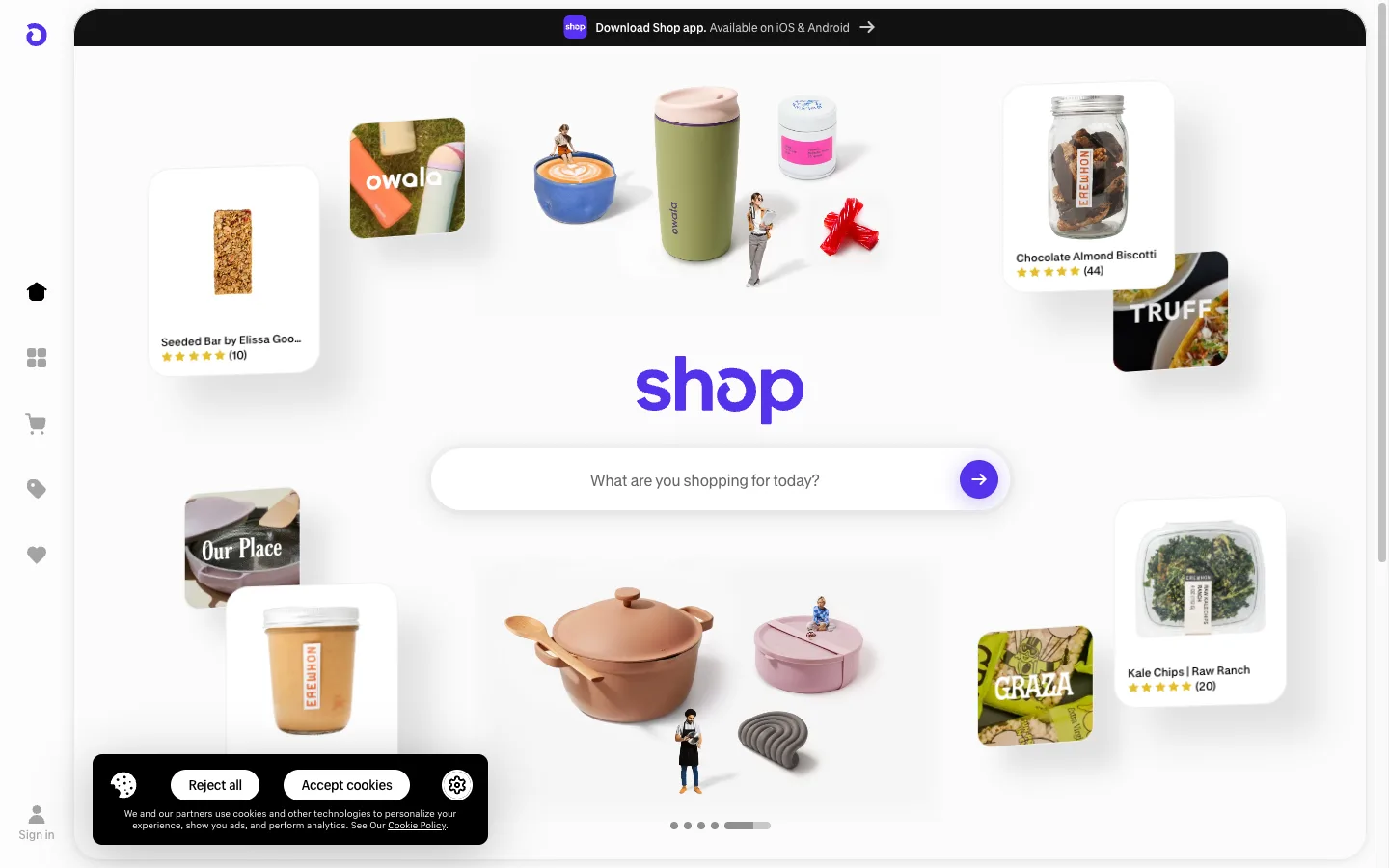
Why this matters for your store
- Shopify processed over $1 billion in AI-influenced sales in 2025 (Shopify Winter ‘26 Edition). Stores not enabled in 2026 sit out the channel where that volume lives.
- AI-driven traffic grew 8x since January 2025 and AI-mediated orders grew 15x in the same window.
- Agentic purchases complete through Shopify-powered direct checkout inside the chat, so a pre-qualified buyer never leaves the conversation, which is why AI-referred intent tends to close at a higher rate than cold paid traffic.
How agentic commerce actually works
A buyer asks ChatGPT for “the best organic dog food for a 9-year-old golden retriever.” The shopping agent scans connected catalogs, returns 3 options with price, reviews, and availability, then completes the chosen one through Shopify-powered direct checkout in the chat. The order lands in your Shopify admin labeled Agentic Storefronts. The buyer never opened your homepage.
Traditional discovery loses customers at every step: SEO, click, browse, maybe convert. Agentic flow is two steps: describe need, accept recommendation. Intent arrives pre-qualified, which is why early operators report higher close rates from AI-referred sessions than from cold paid traffic.
You don’t get picked because you have the lowest price. You get picked because the agent can read your catalog cleanly and trust the signals it finds. That’s a data quality problem, not a marketing problem.
How to get into agentic storefronts (you may already be in)
Agentic storefronts are opt-out, so if your store is eligible you are likely already active. These steps confirm that, then do the data work that actually earns recommendations. Budget about 20 minutes for a small catalog, 1-2 hours for a 200+ SKU store.
Step 1: Confirm your store is eligible
Open Settings > Plan and confirm a paid plan (Starter and up). Open Online Store > Preferences and confirm the storefront password is off. Confirm your Terms of service, Privacy policy, and Return and refund policy are complete in Settings, Policies, and that you have agreed to the Agentic Storefronts Supplemental Terms.
Per channel: ChatGPT and Copilot need you selling to US customers; Google AI Mode and Gemini need a US-based store and are still early access. The full eligibility breakdown is here.
Step 2: Make your products eligible for Shopify Catalog
Agentic checkout runs on Shopify-powered direct checkout inside the AI channel, not a checkout you configure, so the gate is your Shopify Catalog eligibility, not Shop Pay. Each product needs a title, an image, a price above zero, a public URL, and shipping to the US or Canada, and it must not be unlisted or hidden.
Shop Pay still helps, because it speeds the direct checkout for returning buyers, but it is not required for agentic sales.
Step 3: Audit Product schema on top PDPs
Run your top 10 product URLs through the Google Rich Results Test, or paste a product page into my Shopify Product Schema Validator to catch the four schema errors that block agent indexing in one pass. Fix every error in Product, Offer, AggregateRating, or BreadcrumbList JSON-LD before enabling. Stores with schema errors get rejected from agent indexing.
Required on every PDP: Product with name/image/description/sku/brand/gtin, Offer with price/priceCurrency/availability/url, AggregateRating with ratingValue/reviewCount, at least one Review node, BreadcrumbList for category hierarchy. For the 4 errors I see most often, see Shopify Product schema: 4 errors that block AI citation.
Step 4: Complete required product fields
Audit every active product for the fields AI agents read:
- GTIN (UPC for North America, EAN-13 for UK and Europe, ISBN for books). Without GTIN, agents cannot cross-reference your product against the same SKU sold elsewhere. The deep dive: Shopify GTIN coverage audit and fix.
- Brand. A 5-second admin fix that drops the product from “shop by brand” agent flows when left blank.
- Product type using Shopify’s standard product taxonomy.
- Variant attributes (size, color, material) per variant.
- At least one structured metafield for category-specific data (fit for apparel, age group for toys, certification for organic).
Bulk-fix via Matrixify for catalogs over 100 SKUs; admin bulk editor for smaller.
Step 5: Confirm and manage the channel under Sales channels, Agentic
This is opt-out, so there is usually no switch to flip: eligible stores are on by default.
- Open Sales channels, Agentic in admin (
admin.shopify.com/apps/agentic). - Confirm the channel shows as on with your catalog connected.
- Control which AI channels are enabled, or opt out entirely, from here.
Shopify provisions your catalog to the Universal Commerce Protocol (UCP) endpoint automatically, the open standard it co-developed for agent checkout. For the mechanic behind how agents query UCP and your catalog data, see how Shopify agentic storefronts actually work.
Step 6: Verify the channel is active
In Sales channels, Agentic, the channel should read Active with a connected catalog count. Click into it for the activity dashboard.
Three checks: status reads Active, the catalog count matches your active product count, and the Activity tab shows zero blocking action items (incomplete policies and Catalog-ineligible products are the usual flags).
Step 7: Test with an AI shopping agent
After enable, allow a few business days for initial indexing. Then:
- Open ChatGPT or Microsoft Copilot.
- Submit a natural query that should match a hero product (“organic cotton t-shirt under $40 in size large”).
- Confirm your store appears in the recommended results.
- Click through to verify the product page loads with current price and inventory.
If your store does not appear within a week, audit your top 5 PDPs again in Rich Results Test. The most common cause of non-appearance is a schema error that propagated post-enable from a theme update or app installation.
Why structured data decides whether you get cited
AI agents read schema first, marketing copy second. Broken or missing structured data is the single most common reason a Shopify product gets skipped in an AI recommendation.
For review data specifically: 10+ reviews on every hero product, reviews tied to the correct product ID (not orphaned), schema output by your review app (Yotpo, Loox, Judge.me; check page source to verify), and genuinely detailed review content (agents assess quality, not just star count).
If you publish blog content alongside your store, Article schema lifts your authority signal too. My article schema implementation guide covers the Liquid pattern.
How to write product copy that AI agents recommend
Strip the marketing voice. AI shopping agents are language models. They reward specificity, penalize vague superlatives, and ignore filler.
Compare these two titles for the same SKU:
- Bad: “Premium Dog Food, Senior Formula”
- Good: “Organic Senior Dog Food, Chicken and Sweet Potato, 15 lb”
The second carries 4 extractable facts. The first carries zero.
Apply the same rule to descriptions. “Made from 100% GOTS-certified organic cotton, 180 GSM weight, pre-shrunk” beats “made from the finest premium cotton” every time. Add use cases (“designed for side sleepers between 130 and 200 lbs”), country of origin, care instructions, warranty terms, and dimensions.
For every product: title with category + material + size; description with materials/weight/dimensions/use case; Shopify standard product taxonomy filled; 8-12 specific tags; relevant metafields per category; accurate variant inventory by location.
For the broader playbook on the 9 fields agents read and the 3 they skip, see Shopify Agentic Storefronts product data scraping.
How to track Agentic Storefront performance
Inside Shopify Analytics, Agentic Storefront orders show up as a separate sales channel. Compare these weekly against your Online Store channel:
- Order volume by channel
- Average order value (AI buyers skew higher AOV on first order)
- Return rate (early signal of agent expectation mismatch)
- Top products surfaced by agents
In GA4, build a custom segment for AI referral sources: chat.openai.com, perplexity.ai, copilot.microsoft.com. AI-referred users buy faster than they browse, so low pages-per-session with high conversion is the signal.
For the broader citation measurement playbook including share-of-authority math, see Microsoft Clarity AI Visibility for Shopify.
The 4 mistakes that block agent citation
After 14 catalog audits in March 2026, the same 4 misses keep showing up:
- Two-sentence product descriptions. The agent has nothing to extract. You don’t get picked.
- Broken or missing Product schema. Half the merchants I audit have errors flagged in Rich Results Test that they don’t know about.
- You opted out, or never completed eligibility. The channel is opt-out, so the miss is usually incomplete policies, Catalog-ineligible products, or unagreed Supplemental Terms, not a switch left off.
- Treating it as set-and-forget. Agent ranking models update. Your data should too.
For bot reachability (an upstream blocker most miss), see Shopify robots.txt for AI crawlers, or run my free Shopify robots.txt + AI crawler checker to confirm GPTBot and the other agent crawlers can reach your storefront.
Your 3-week rollout plan
- Day 1: Confirm eligibility and channel status under Sales channels, Agentic (the steps above).
- Days 2-5: Rewrite the top 10 product pages with extractable facts (title, description, metafields, tags).
- Days 6-7: Run Rich Results Test on those 10 URLs. Fix every Product, Review, and Breadcrumb error.
- Week 2: Publish one buying guide for your primary category. 1,200-1,500 words, named comparisons, real data.
- Week 3: Build the GA4 AI-referral segment. Set a weekly review cadence on the Agentic Storefronts channel report.
The takeaway
- Agentic Storefronts is opt-out: eligible stores are on by default, so confirm status under Sales channels, Agentic rather than hunting for a switch.
- Eligibility, not Shop Pay, is the gate: complete policies, agree the Supplemental Terms, and make products Catalog-eligible. Checkout runs on Shopify-powered direct checkout.
- Audit top PDPs in Google Rich Results Test. Zero errors is the entry ticket.
- Fill GTIN and brand on every product. These two fields are the most-missing in catalog audits.
- Rewrite product copy with extractable facts: materials, weights, dimensions, use cases. Strip the marketing voice.
- Test with a real AI agent query a few business days after enable. If your store doesn’t surface, the cause is almost always schema.
Want this done for you? I audit Shopify catalogs for agentic readiness: schema, product data, Catalog eligibility, and the Core Web Vitals that stop AI-referred visitors bouncing before they buy. See how I can help or book a free 30-minute call.
Kaspian Fuad is a Shopify CRO consultant and Liquid developer. 12 years in ecommerce, 100+ DTC stores, Top Rated Plus on Upwork.