

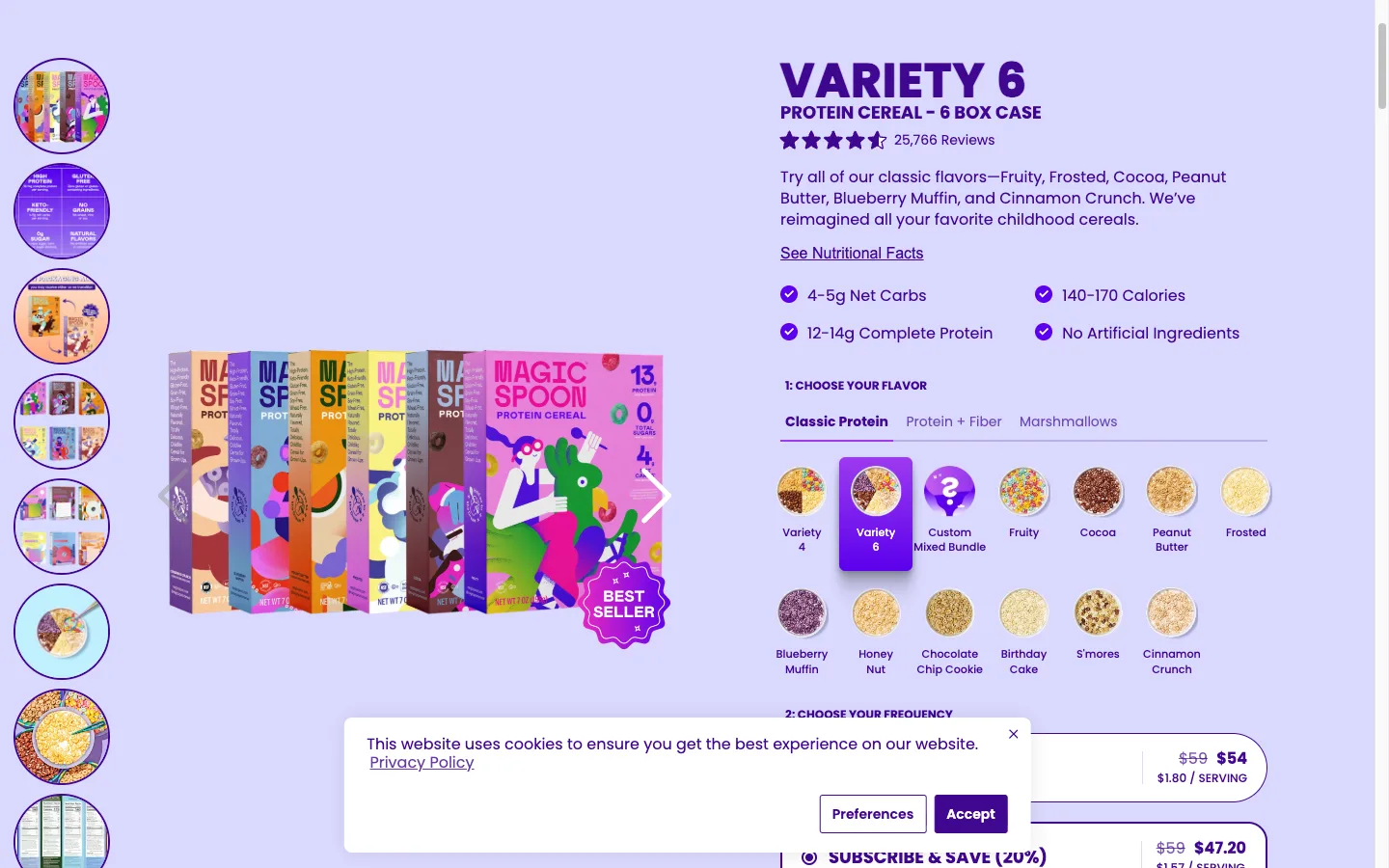
I audited 14 Shopify stores in Q1 2026. 12 of them ran a generic “Sale” badge on every discounted card. One Norwegian client, Mobelglede.no, had “Salg” stamped on 100% of product cards on the homepage. The badge had stopped working months earlier and nobody noticed.
TL;DR: Replace your generic Sale badge with three lines of Liquid math that output the actual discount percent, like -42%. Use product.compare_at_price | minus: product.price | times: 100 | divided_by: product.compare_at_price. Wrap it in a >= 10 threshold so trivial discounts hide. Pure server-side. Works on Dawn, Impulse, Focal. No app, no JS.
If you’d rather have this done for you, book a free 30-minute Shopify CRO call and I’ll wire it into your theme.
Why this matters for your store
- A non-specific Sale label trains shoppers to skip the badge entirely, which kills the only price-anchor signal on the card.
- A real percent like
-42%creates a numeric anchor in the shopper’s head and pulls click-through up on collection grids. - Killing one more app from your stack saves $20 to $40 a month and removes a render-blocking script from your LCP path.
How meaningless Sale badges break price anchoring
When 92% of your product cards say the same word, that word stops carrying information. Shoppers learn the pattern in two scrolls. The badge becomes wallpaper.
Specific numbers behave differently. A -42% badge gives the brain a real anchor. The shopper compares it to -15% two cards over and ranks the deals without thinking. That ranking is the entire job of a sale badge.
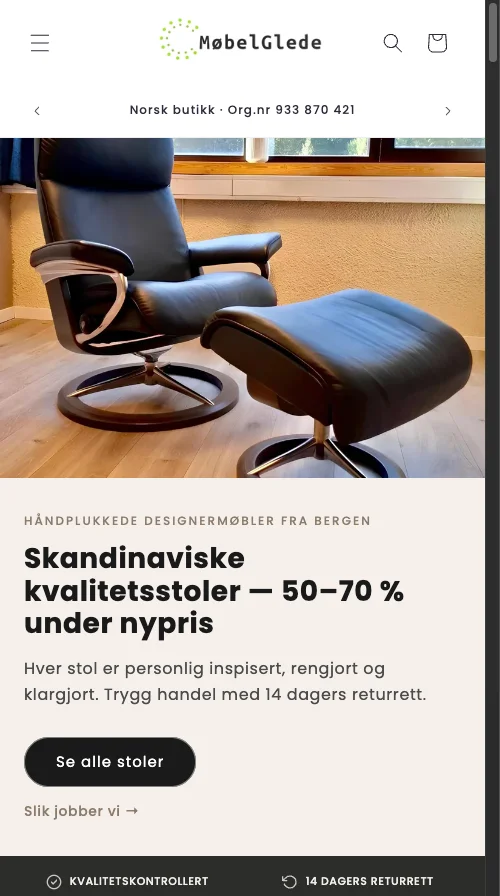
The Mobelglede grid above shows the failure mode. Every card carries the same red Salg pill, so the eye treats them as a uniform texture and skips to the photo. Once we swapped the label for the calculated percent, the badges became a sorting mechanism instead of decoration.
There is a second failure that I see less often but matters for high-AOV stores. On a $1,300 sofa, -15% reads weaker than Save $195. The shopper does not do percent math on big tickets. They want the dollar figure. The snippet below handles both.
The 4-line Liquid swap that works on Dawn, Impulse, and Focal
Open your theme code editor and find the product card snippet. The path varies by theme:
- Dawn / Refresh / Sense:
snippets/card-product.liquid - Impulse:
snippets/product-grid-item.liquid - Focal:
snippets/product-card.liquid
Search for the existing badge. On Dawn it usually looks like this.
{%- comment -%} snippets/card-product.liquid {%- endcomment -%}
{%- if card_product.compare_at_price > card_product.price -%}
  <span class="badge badge--bottom-left price__badge-sale">
    {{ 'products.product.on_sale' | t }}
  </span>
{%- endif -%}
Replace the inner span with the percent calculation. Same wrapper, same class hooks, so your existing CSS keeps working.
{%- comment -%} snippets/card-product.liquid {%- endcomment -%}
{%- if card_product.compare_at_price > card_product.price -%}
  {%- assign savings = card_product.compare_at_price | minus: card_product.price -%}
  {%- assign savings_pct = savings | times: 100 | divided_by: card_product.compare_at_price -%}
  {%- if savings_pct >= 10 -%}
    <span class="badge badge--bottom-left price__badge-sale">-{{ savings_pct }}%</span>
  {%- endif -%}
{%- endif -%}
On Impulse, swap card_product for product. On Focal, the badge sits in snippets/product-card.liquid and uses the same product.compare_at_price reference. Liquid syntax is identical across all three.
Liquid does integer division by default. 420 * 100 / 1000 = 42. No floats, no rounding bugs. A real 33.7% discount renders as -33%, which is what you want on a badge anyway.
How to show dollar savings on high-ticket products
For stores with average order values above $400, the dollar figure outperforms the percent. On Mobelglede sofas at 8,990 NOK, Save 1,798 kr reads more concrete than -20%. Use the | money filter so currency, locale, and Shopify Markets all format correctly.
{%- comment -%} snippets/card-product.liquid {%- endcomment -%}
{%- if savings_pct >= 10 -%}
  <span class="badge badge--bottom-left price__badge-sale">
    -{{ savings_pct }}% (Save {{ savings | money }})
  </span>
{%- endif -%}
Never hardcode a $ or kr. The Shopify money filter docs handle every Markets case for free, including stores that ship to multiple currencies.
Three mistakes that break the calculation in production
I have shipped this snippet on five client stores. The same three issues bite every time.
product.price_max instead of product.price. price_max returns the highest variant price. On a product where Small is $20 and XL is $35, the math reads off the wrong row and produces a nonsense percent.
Missing | money on the savings amount. Shopify stores prices in cents internally. Skip the filter and the badge prints Save 4200 instead of Save $42.00. Always pipe currency values through | money. Run the Shopify Hardcoded Price Detector across your storefront before shipping the badge. It catches sibling sale-price snippets where a previous dev typed the dollar sign by hand instead of piping through the filter.
Dropping the compare-at guard. Without {% if compare_at_price > price %} the snippet divides by zero on full-price products and renders -0% or a Liquid error. Keep the guard.
Four badge UX mistakes that cancel the lift
Fixing the Liquid is half the job. The badge still has to read clearly on a real product card, on a real phone, in a real store layout. Across 14 audits this quarter I see the same four UX failures kill the percentage swap before it can convert.
Low contrast on dark themes. Many premium furniture and apparel themes ship with a charcoal or near-black product card background. The default red #D72E2E Sale pill from Dawn drops to a 2.8 contrast ratio against that card. WCAG AA wants 4.5 for small text. On Mobelglede I had to push the badge background to a flatter #B2241F and bump the text to pure white before the percent stayed legible at arm’s length.
Badges covering variant swatches. Dawn places the badge bottom-left by default. Impulse uses top-right. If your card has color swatches in either spot, the badge buries the most important picking signal on the grid. Move the badge to the opposite corner, or push swatches inline below the title.
Badges on 100% of products. When every card carries a percent, the percent itself becomes the new wallpaper. The Baymard Institute checkout research notes that signal value collapses once a discount marker hits ubiquity. Run a >= 15 threshold on collections under 30% sale density and the surviving badges read as real deals, not decoration.
No label hierarchy. A -42% badge next to a Free Shipping badge next to a New badge is three competing pills on one card. Pick one. On Focal I cap badge count at one per card with a Liquid priority chain: percent over free-ship over new. The shopper’s eye lands on a single anchor and the click-through to the PDP rises within a week of the change.
One last note on mobile. The default Dawn badge sits at 11px on screens under 480px wide. On a real iPhone 13 in daylight that reads as a smudge. Push it to 13px and add 6px of horizontal padding before you ship.
How to verify the swap in under 5 minutes
- Open your live storefront on a discounted collection. Hard refresh with
Cmd+Shift+R. Confirm the badge reads as a real percent on at least three cards. - Right-click one of the cards, inspect element, and check the
<span class="badge ...">renders server-side. No JavaScript should be touching it. - Run a Lighthouse mobile audit on the same collection page before and after. The score should hold or rise. If it drops, you have a CSS layout issue, not a Liquid one.
The takeaway
- Audit your homepage today and count how many cards carry the same Sale word. If it is over half, you have badge blindness.
- Replace the static label with the four-line Liquid percent block on Dawn, Impulse, or Focal.
- Gate every badge behind a
>= 10threshold so 3% trinkets do not undermine your real discounts. - Layer dollar savings via
| moneyon any product over $400 average order value. - Verify with a hard refresh, an element inspect, and a Lighthouse run before you call it shipped.
For more snippets that retire paid badge apps, see my list of 15 Shopify Liquid snippets that replace expensive apps. For the full audit framework that catches a dead Sale badge in the first 10 minutes of a review, read the Shopify CRO audit checklist.