

TL;DR: GA4 shows fewer purchases than Shopify because Shopify counts every order and GA4 counts only the purchase events a browser managed to send. Declined cookie banners, ad blockers, POS and subscription orders and broken Thank you pages all widen the gap, and GA4 only estimates declined-consent data once a property has 1,000 consented users a day. Reconcile by transaction ID, not by totals.
Shopify can’t report a purchase from a page that never loaded. Its own developer docs say the purchase event fires once, on the Thank you page or the first upsell offer, and if that page fails to load, it doesn’t fire at all. The order still lands in your admin.
This is for brands that set ad budgets off GA4 or feed its conversions into Google Ads. Read the gap wrong and you’ll either pay someone to “fix” a normal difference or miss a broken tag that’s hiding a third of your sales. Below is what each tool counts, the faults that push GA4 below or above Shopify, and the order ID check I run in the first hour of a fixed-scope tracking audit. One honest limit: the two numbers will never match exactly, and they shouldn’t.
Download the GA4 vs Shopify order reconciliation checklist (PDF)
Why this matters for your store
- Google Ads bids on the conversions GA4 hands it, so every missing purchase weakens the bidding you pay for.
- A double-counted purchase makes a channel look twice as profitable, and budget follows the wrong campaign.
- Most fixes are one setting or one theme file, which costs less than a month of misread ad spend.
What does Shopify count that GA4 doesn’t?
Shopify counts orders. Your Orders page holds every one, from every sales channel: POS sales, draft and wholesale orders, subscription renewals and marketplace orders all land there.
GA4 counts events. A purchase exists in GA4 only if a browser, or a server acting for one, sent a purchase event to your property. A subscription renewal charged on a Tuesday night has no browser at all, so GA4 never hears about it.
So the first fix costs nothing. Stop comparing GA4 with total orders. Filter Shopify down to the online store channel, then compare. On a store with a big subscription base, that step alone can close most of the gap.
Why does GA4 show fewer purchases than Shopify?
This is the normal direction. Work through the causes in this order, because the first two need no developer at all.
Shoppers who declined your cookie banner
Shopify’s customer privacy settings say that in banner regions, “Non-essential data is collected only after obtaining consent,” and that pixels follow that consent. The banner is aimed at opt-in regions such as the EEA and the UK by default. Every shopper there who taps Reject can still buy, and GA4 records nothing.
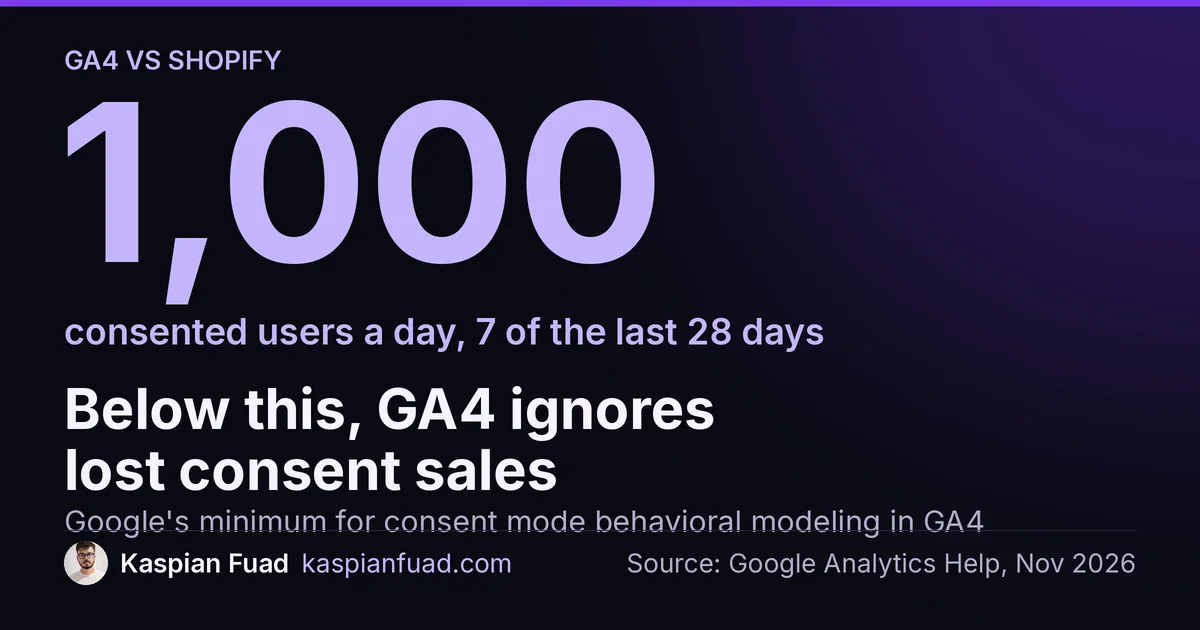
Google can estimate those missing users with consent mode, but not for most stores. Its behavioral modeling rules require at least 1,000 events a day with analytics consent denied for 7 days, plus 1,000 daily users who granted consent on 7 of the previous 28 days. Under that line, the declined purchases are simply gone.
Ad blockers and script blockers
Shopify’s analytics discrepancies page is blunt: shoppers “can use browser extensions to block Google Analytics from tracking their sessions and purchases.” The same page notes Google can only count visitors with JavaScript and cookies turned on. A browser-only setup loses every one of those sales.
A Thank you page that never loaded
Shopify’s checkout_completed event docs say the event fires once per checkout, typically on the Thank you page, and moves to the first upsell offer page if you run post-purchase upsells. If that page fails to load, the event isn’t triggered. Off-site payment methods that redirect the buyer away and back are where this bites, so check them first.
A tag that died on August 26, 2026
That’s the day Shopify stopped running Additional Scripts and Thank you page scripts on Basic, Shopify and Advanced plans. A GA4 purchase tag pasted into that box went silent overnight, and my Additional Scripts deprecation guide covers what replaced it. A gap that starts that week has one cause.
Two clocks
Your GA4 property has its own reporting time zone, and Shopify’s discrepancies page warns that different time zones move events across days. Compare single days and a store on Eastern time with a property on Pacific time will look broken every evening.
Why does GA4 show more purchases than Shopify?
This direction is rarer and almost always a real fault. One rule settles it: if GA4 purchases beat your online store orders for the same week, something is counting twice.
Copies are the usual cause. When I traced the purchase events on HelloSips, a water bottle brand, three sources were sending them: a custom theme snippet, a Google Tag Manager tag and Shopify’s own web pixel. I wrote that setup up in my GA4 tracking fix guide, and on that audit run 5 of 14 stores showed a 0% GA4 conversion rate while Shopify logged sales daily.
Google’s transaction ID guide explains why copies survive. GA4 uses the transaction ID to “deduplicate transactions from the same user.” A hand-built tag that sends no ID, or sends the order name where the app sends the order number, creates a second transaction for the same sale.
Revenue can run high for a quieter reason. Shopify subtracts returns from net sales, but GA4 only lowers revenue when you send it a refund event with the same transaction ID. Most stores never wire that up.
How big a gap between Shopify and GA4 is normal?
Neither Shopify nor Google publishes one, and I won’t invent a percentage. A store selling mostly into the UK and the EU, with the banner on, will always show a wider gap than a US store with no banner. A subscription brand will always trail more than a one-off gift shop.
So watch the shape, not the size. After 100+ store audits, my rule is the same one I use for Meta and Shopify purchase gaps: a gap that holds steady week to week is consent, blockers and channels. A gap that jumps on one date is a tracking change made that day, and the date names it. A theme publish, an app install, a GTM container change or August 26 all leave a step.
How do I find which orders GA4 missed?
Totals can’t tell you which cause you have. Order IDs can.
- Pick 14 days that ended a week ago. Late events have landed and one odd day won’t skew it.
- Export online store orders from Shopify. Keep the order name, payment method, shipping country and created time.
- Export GA4 purchase transaction IDs. In Explore, build a free-form table with Transaction ID as the dimension and Purchases as the metric, for the same dates.
- Match them in a sheet. Line up the two lists by order ID and flag every Shopify order with no match.
- Group the unmatched orders. Count them by payment method, country and device.
- Read the pattern. Mostly UK and EU orders points to consent. One payment method points to a Thank you page that didn’t load. A spread across everything points to blockers. IDs that appear twice in GA4 point to copies.
If GA4 IDs don’t look like Shopify order names at all, your tag isn’t sending the order ID, and that’s your first fix.
What should I fix first, and who should fix it?
Remove duplicates first, because inflated purchases teach Google Ads to chase the wrong buyers. Keep one source for the purchase event, the Google & YouTube app or a single Customer Events pixel, and delete hardcoded gtag calls from the theme and from GTM.
Next, restore any missing source. Then check your banner sends consent signals Google can read. Only after that is server-side tracking worth paying for. Analyzify, Littledata and Elevar run $145 to $650 a month for the same store, as my server-side tracking comparison shows. Server-side sending gets around blockers; it doesn’t override a shopper’s consent choice.
Hire a Shopify developer for this, not only a marketer. The faults live in theme.liquid, Customer Events, GTM and app settings together, and a GA4 login can’t reach most of them. My audits start at $500, fixes run $50 an hour, and I start with the order ID match above before touching anything.
How do I know the fix held?
- Place a test order with GA4 DebugView open and confirm exactly one
purchasewith your order ID. - Repeat it with the off-site payment method you sell through most.
- After 14 days, rerun the order ID match. Duplicates should be zero, and the unmatched orders should look like consent and blockers, not one payment method.
The takeaway
- Compare GA4 with online store orders only, never with total orders.
- Match orders by transaction ID before you trust any total.
- Treat GA4 purchases above Shopify orders as double counting until proven otherwise.
- Find the date the gap stepped, because it names the change that caused it.
- Keep one purchase source, sending the Shopify order ID, before paying for server-side tracking.
I’m Kaspian Fuad, a Shopify developer and CRO consultant. If GA4 and Shopify still disagree after the order ID match, send me both numbers and your store URL and I’ll tell you which cause it is.