

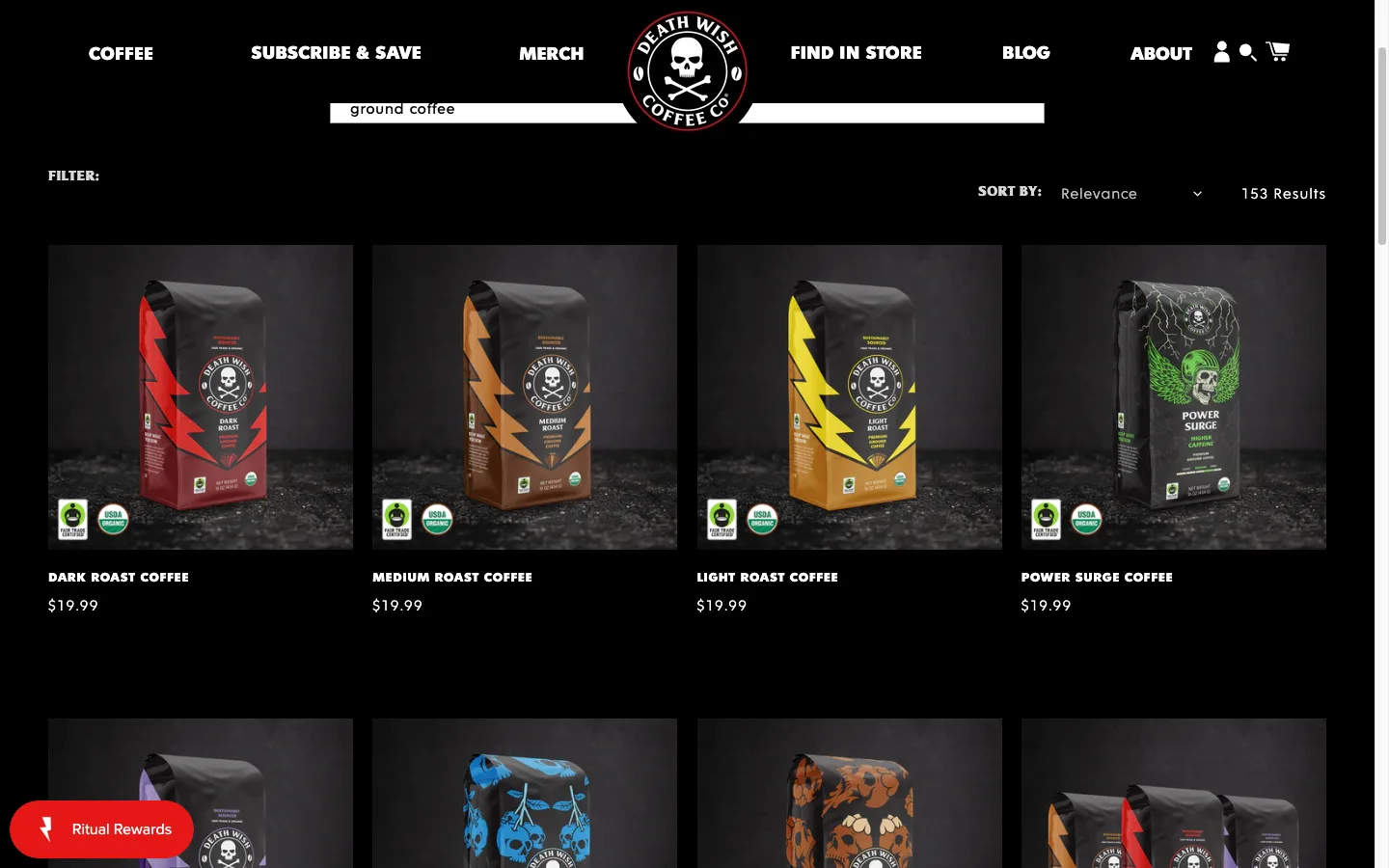
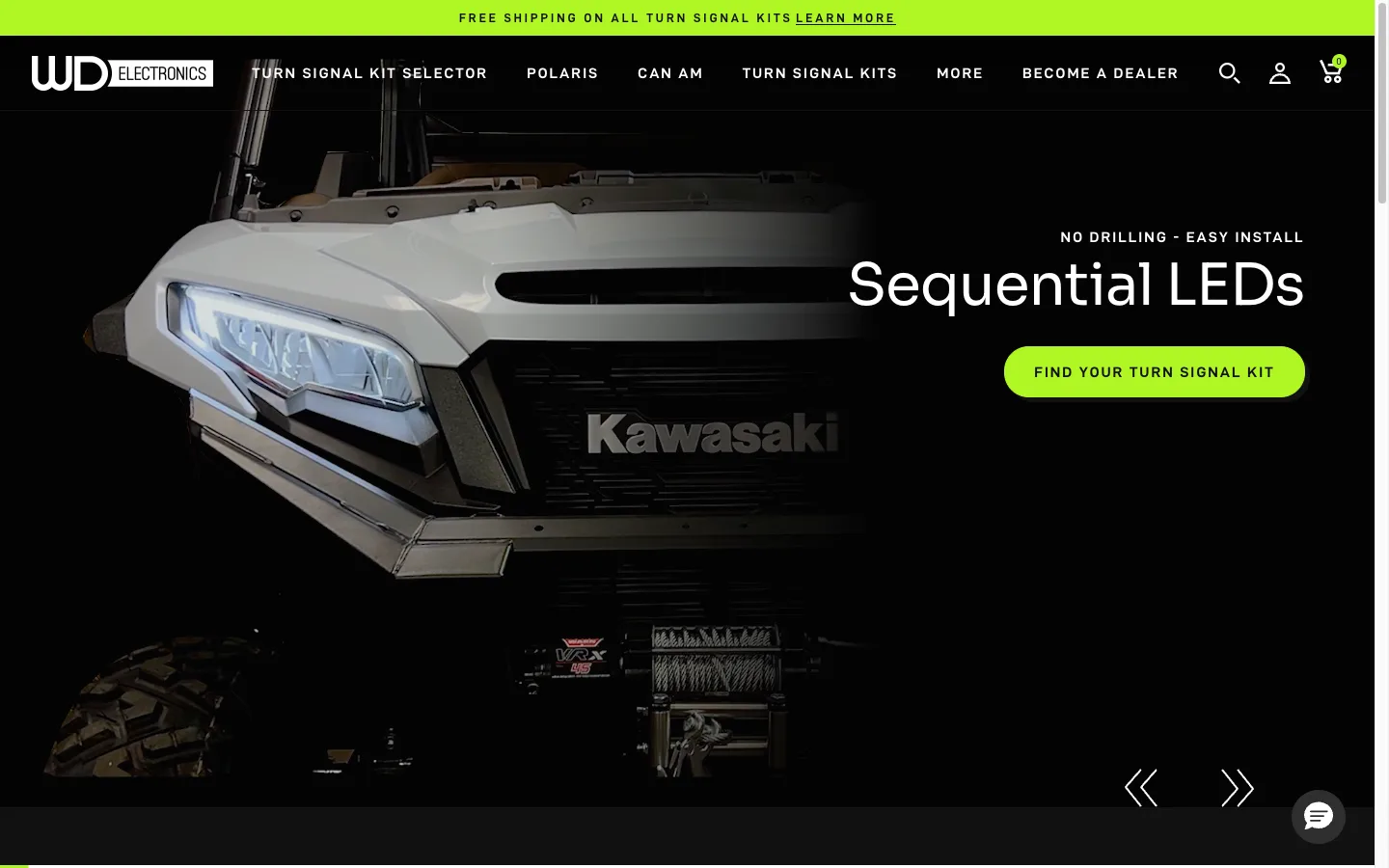
I audited a UTV accessories store and typed “RZR” into their search bar. RZR is the core product line. The first result was a duplicate collection called “PolarisRZRAccessories”, followed by an $80 battery and three blog posts. Their $400-600 turn signal kits never appeared.
TL;DR: On-site searchers are 24% of Shopify traffic but generate 45-57% of revenue (Constructor, 609M queries, $9.8B). Run 6 test searches in incognito. If more than 2 fail, install Shopify’s free Search & Discovery app, add synonyms, boost products over blog posts, and turn on predictive search 2.0. Most stores fix this in under an hour.
How does Shopify search work in 2026?
Shopify search runs as a token match against product title, vendor, type, and tags. The 2026 stack adds three things on top: the free Search & Discovery app for synonyms, boosting rules, and metafield-driven faceted filters; predictive search 2.0, which surfaces autosuggested products in the live drawer with image, price, and stock; and a Shopify-hosted semantic layer on Plus stores that interprets intent (a search for “winter jacket” now returns parkas tagged “outerwear” without an explicit synonym).
What native Shopify does not do: phonetic matching, multi-language search without a paid app, or merchandising rules beyond simple boosts. If you sell over 5,000 SKUs, a paid app like Klevu or Boost AI gets you faceted filters and real merchandising rules.
The fastest way to know what your search actually does on your store: type the queries in your top 50 zero-result list (visible in the Search & Discovery app analytics tab) and watch what comes back. Most failures resolve with synonym entries, not platform changes.
Why on-site search outranks every other CRO lever
- Searchers convert at 2-3x site average. They typed the word. They know the intent.
- 80% bounce after a failed search (Nosto). You paid for the click, you lost the click.
- 12% of those bouncers head straight to a competitor. Same Nosto study. Search misses pay your rivals.
I have shipped this fix on five Shopify stores in the last six months. The cheapest, fastest, highest-margin CRO win on the platform sits inside the Search & Discovery admin panel.
How broken Shopify search actually loses you sales
Shopify’s default search is a token match against your product title, vendor, type, and tags. No semantic layer. No fuzzy matching out of the box. No knowledge of what your customers call your stuff.
That works fine if your titles match customer language word-for-word. They never do.
Three failure modes show up on every audit I run:
Vocabulary mismatch. A customer searches “couch”. Your title reads “3-seater modular sofa”. Native Shopify returns zero. Without a synonym group, the visitor leaves and never tells you.
Junk in the result set. Shopify search indexes blog posts, pages, and collections alongside products. A “blue dress” search that surfaces a 2024 trend article above the actual blue dresses is shooting your conversion rate in the foot.
Internal collections leaking out. Automated collections you built for filtering (“PolarisRZRAccessories”, no spaces, ugly slug) appear as top hits because Shopify ranks them by recency and tag match, not customer relevance.
The Constructor research across 609M queries and $9.8B in revenue puts hard numbers on it. Stores fixing the top 50 zero-result queries lift search conversion 27-43%. The same stores leaving them broken lose the same percentage every quarter.
When to stay native vs move to Algolia or Klevu
Most stores I audit overpay for search software they do not need. Shopify’s free Search & Discovery app handles synonyms, boosting, filters, and predictive search 2.0 well enough for stores under $5M annual revenue with under 5,000 SKUs.
Move up to a paid app when:
- You sell 5,000+ SKUs and need real faceted filtering.
- You need merchandising rules (boost in-stock, demote low-margin) Shopify cannot express.
- You serve multiple markets and need locale-aware synonyms.
The credible options in 2026: Boost AI Search & Discovery (mid-market merchandising), Searchanise (analytics-first), Klevu (AI-native semantic search), and Algolia (enterprise scale). Pick one. The decision matters less than actually configuring it.
How to audit your Shopify search in 15 minutes
Open your store in incognito. Run six searches. Score each pass or fail.
| # | Test search | Pass condition | Red flag |
|---|---|---|---|
| 1 | Top product category | Best-sellers in first 4-6 results | Blog or empty collection on top |
| 2 | Specific product by name | Exact product is result #1 | Product is not on page one |
| 3 | Brand or abbreviation customers use | Matching products return | Zero results |
| 4 | Common misspelling of a top product | Misspell still finds the product | Zero results |
| 5 | Customer-language synonym | Same matches as your title term | Different or empty result set |
| 6 | Generic non-product term | Products outrank blog and collections | Blog posts above products |
Run the six searches your customers actually run
Pick the language your customers use, not the language your copywriter wrote. “RZR” not “Polaris RZR Turbo S Turn Signal Kit”. “NB” not “New Balance”. “Tee” not “premium cotton crew-neck T-shirt”.
Then test the misspells. “Recieved”, “calender”, “bycicle”. I have watched search log exports where 8% of all queries contained a typo. If your search returns zero on typos, you lost 8% of high-intent traffic.
Score yourself. More than 2 fails out of 6 means you are bleeding revenue every day until you ship the fix.
The 5-step fix that takes under an hour
Install Shopify Search & Discovery
Shopify Search & Discovery is free, built by Shopify, and ships with synonyms, product boosts, filter customization, and search analytics. Install it before you spend a dollar on third-party tooling.
Add synonyms for every failed search
Go to Search & Discovery, then Synonyms. Add groups for:
- Abbreviations. RZR = Polaris RZR. NB = New Balance. AC = air conditioning.
- Regional terms. Jumper = sweater. Trainers = sneakers. Pram = stroller.
- Spelling variants. Grey = gray. Colour = color. Donut = doughnut.
- Category synonyms. Couch = sofa. Shades = blinds. Tee = t-shirt.
Each group takes 30 seconds. Spend 15 minutes on the obvious ones. Check your no-results report weekly to add more.
Boost products over collections and blog posts
In Search & Discovery, set product boost rules so products always rank ahead of blog posts and collection pages. For category searches, boost best-sellers in the category. For brand searches, boost the brand’s products. For specific product names, boost the exact match.
The rule: products first, collections second, blog posts last. Always.
Clean up duplicate and internal collections
On the UTV store audit, the “PolarisRZRAccessories” collection (no spaces) was an internal filter, not a customer page. It ranked anyway. I added a noindex tag and excluded it from the search index in Search & Discovery’s collection settings.
Audit your collection list for:
- Internal or automated collections that should not appear in search.
- Duplicate collections covering the same products.
- Empty or near-empty collections (under 3 products).
Turn on predictive search 2.0
Predictive search renders results in the dropdown as the customer types. It catches typos early, surfaces products before the customer hits Enter, and slashes zero-result rates.
Every Online Store 2.0 theme (Dawn, Refresh, Sense, Craft, Studio) ships with predictive search. Enable it in theme settings. If you run an older vintage theme, Search & Discovery adds the dropdown for you.
Most CRO advice gets search wrong because the data lives in the wrong tab
Founders track checkout funnel and homepage CTR daily. They open GA4 search reports once a quarter, if ever. The Search & Discovery no-results report sits behind three clicks and a left-nav scroll.
That neglect is the opportunity. The store that opens the no-results tab every Monday morning ships 30 synonym groups a quarter and compounds search-driven revenue while competitors stare at their LCP score.
How to verify the fix in 5 minutes
- Re-run the 6-search audit. Same incognito tab. All six should now pass. Screenshot the before/after for your own files.
- Check GA4. Reports, Engagement, Events,
view_search_results. Filter by your top 10 search terms. Engagement rate on those terms should climb within 7-14 days. - Open Search & Discovery analytics weekly. The “top searches with no results” list is your synonym backlog. The “top searches with no clicks” list is your product data and merchandising backlog.
For the full conversion audit framework that bundles search with checkout, mobile, and PDP, read the Shopify CRO Audit Checklist. Search misses often correlate with mobile conversion gaps and hidden cart abandonment causes. Audit all three together. If your store is also indexed by ChatGPT and Perplexity through agentic storefronts, the same product data hygiene that fixes on-site search lifts AI-recommendation rates.
The takeaway
- Audit your Shopify search this week with 6 incognito test queries.
- Install Shopify Search & Discovery and add 15 synonym groups in your first sitting.
- Boost products above blog posts and collections in every search rule you write.
- Exclude internal and empty collections from the search index, then re-test.
- Open the no-results report every Monday and ship one fix per week forever.