

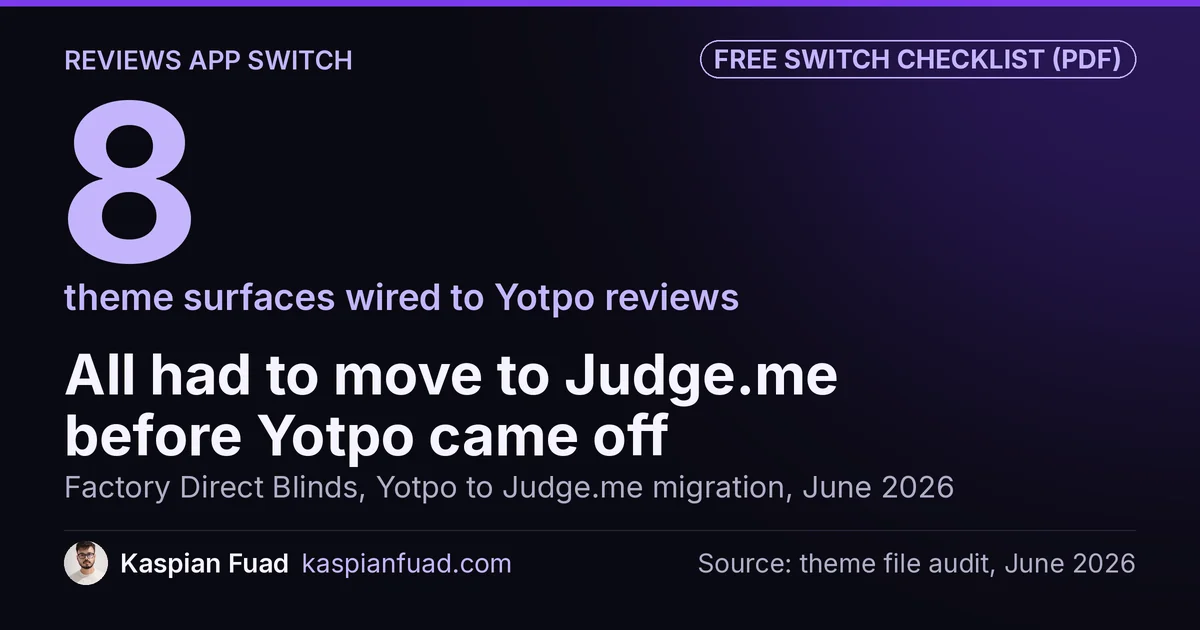
TL;DR: Switching from Yotpo to Judge.me won’t cost you Google stars if the rating markup moves before Yotpo comes off. On Factory Direct Blinds, Yotpo was wired into 8 theme surfaces across roughly 20 files. Run both apps in parallel, migrate the surfaces with no fallback first, repoint the AggregateRating markup, verify, then uninstall Yotpo last. The CSV import is the easy part.
Uninstalling Yotpo takes one click. On Factory Direct Blinds, a made-to-measure blinds store, that click would have blanked the stars on product pages, on every collection card, in three homepage sections and on a guarantee badge, all at the same moment.
The money case for switching is real: Yotpo’s Pro plan lists at $119 a month and scales with orders, Judge.me’s paid plan is $15. What goes wrong is the order of operations. Below is the cutover I ran on that store, the checks that prove nothing dropped, and the three places Judge.me’s importer quietly loses data. It won’t help if your reviews were thin to begin with: a migration moves stars, it doesn’t create them.
Download the reviews app switch checklist (PDF)
Why this matters for your store
- Star ratings sit on your highest-intent pages, so a blank badge hits the product page and the collection grid together.
- Once the AggregateRating markup disappears, Google drops the review snippet on its next crawl, and the stars in search go with it.
- A bad import splits verified reviews from unverified ones, and only the verified ones can feed Google Shopping.
Will you lose your Google stars if you switch from Yotpo to Judge.me?
No, provided Google never sees a page without valid rating markup. Google’s review snippet documentation requires an AggregateRating with a ratingValue and either a ratingCount or a reviewCount. It also says the review content you mark up must be readily available to users on that page.
That second rule is where many switches go wrong. Remove Yotpo first and add Judge.me a day later, and every product page spends that day with no rating markup and no visible reviews. Let both apps print a rating at once, and the page can carry two ratings for the same product.
On Factory Direct Blinds, the rule was simple: the rating structured data is repointed, not removed. At no point during the cutover did a product page go without one valid rating.
There was also a bonus. Judge.me writes the review text into the page markup, which the store’s Yotpo setup didn’t. That adds review content Google can read in normal search, not only the stars.
Where is Yotpo hiding in your theme?
The existing reviews app comparison says to budget about an hour to re-place the widget. That’s true on a stock theme where Yotpo lives in an app block. It wasn’t true on Factory Direct Blinds, where years of customization had spread Yotpo into roughly 20 theme files across these 8 surfaces:
| Surface | What it showed | Risk if Yotpo vanished |
|---|---|---|
| Product pages | Full review widget and star badge | No reviews at the moment of purchase |
| Card and grid star badges | Rating on every product card | Blank stars across every collection |
| Homepage sections (3) | Review carousels and highlights | Empty blocks on the busiest page |
| Collection reviews block | Category-level reviews | Dead section on category pages |
| MeasureSafe badge | Rating on the guarantee upsell | Trust badge loses its proof |
| Aggregate count | Store-wide review total | Wrong or missing number |
Two custom review sections had also been built directly on Yotpo’s API, so they had no fallback at all.
To find your own list, pull the theme with the Shopify CLI theme pull command and search it:
# run from the pulled theme folder
grep -rli "yotpo" layout sections snippets templates assets
Every file it lists is a surface you have to move or delete. Pay extra attention to anything that calls Yotpo’s API directly. Those sections don’t get swapped. They get rewritten.
What order should the cutover run in?
This is the sequence I ran on Factory Direct Blinds in June 2026. It’s built so the store never has a moment without stars.
- Export everything from Yotpo first and keep the original CSV. Record the review count per product before you touch anything.
- Import into Judge.me, but don’t place a single widget yet.
- Migrate the files with no fallback first. On that store, that meant the card files: if Yotpo disappeared mid-cutover, those would have broken first.
- Rewrite any section built on Yotpo’s API to read from Judge.me instead.
- Repoint the rating structured data to Judge.me’s values in the same change that places its widget.
- Run both apps in parallel and verify the live markup on real product URLs.
- Remove Yotpo last, then search the theme again for leftover code.
Step 7 matters more than it looks. An uninstalled app often leaves its script behind, and I measure Yotpo’s widget at about 250ms of blocking time when it loads. My post on leftover app code shows how to find what an uninstall left running.
The last pieces on that store were the post-purchase review request emails and the Google Shopping product ratings path. Both need to point at Judge.me before you cancel Yotpo, or new reviews stop coming in quietly.
Why do some imported reviews lose the verified badge?
Judge.me’s Yotpo migration guide is clear on how the import works, and it states three limits that catch stores out.
Verification needs an order match. The reviewer’s email must match an existing Shopify order in your store. Judge.me also notes that some Yotpo exports don’t include the Metaobject handle column, and without it those reviews can’t be verified at all. Check your CSV for that column before you import.
Re-importing creates duplicates. If the first import looks wrong and you upload the same file again, you get every review twice. Delete the original batch from Judge.me’s Reviews Import Log first. Large catalogs should import in batches of about 5,000 reviews per file.
Videos don’t come across by default. If your best reviews are video reviews, plan to re-add them by editing each review after the import.
What happens to your Google Shopping stars?
Product stars in Google Shopping run through Merchant Center, not your page markup. Google’s Product Ratings eligibility page requires a minimum of 50 reviews across all your products, and reviews are matched to products mainly by GTIN. Products without GTINs match less reliably.
Judge.me updates its eligible Google Shopping review count on a weekly cycle, so expect a lag of up to a week after the import. Only verified reviews count toward it, which is why the order-match problem above matters.
Store-level reviews are a separate case. Judge.me’s All Reviews page shows reviews of your store, and Google’s guidelines make self-serving reviews of your own business ineligible for star snippets. Your organic stars come from product reviews on product pages. If you used Yotpo’s Google Seller Ratings feature, treat that as its own program and confirm what replaces it before you cancel.
Is switching from Yotpo to Judge.me worth it?
For a store that only uses Yotpo for reviews, usually yes. The Judge.me App Store listing shows a free plan and one paid plan at $15 a month. The Yotpo reviews listing shows Starter at $15 and Pro at $119 a month, with pricing that changes with order volume.
Speed points the same way. In my app bloat detector, Yotpo is the heaviest review widget at about 250ms of blocking time, against about 80ms for Judge.me. If your product pages already struggle with INP, that gap matters, and the third-party script deferral guide covers loading either one later.
Stay on Yotpo if you use its loyalty program or SMS alongside reviews. Moving reviews alone and then rebuilding those features elsewhere can cost more than the $104 a month you save.
How do you verify the switch in 5 minutes?
- Paste 3 product URLs into Google’s Rich Results Test and confirm one Product with one AggregateRating on each, with the same rating the page shows.
- Run the same URLs through my Shopify schema validator to catch a second Product node or a rating without a number. The product schema errors guide explains each warning.
- Search the pulled theme for
yotpoagain. Zero files is the goal.
Run step 1 before and after the cutover, on the same 3 URLs, and keep both results. That’s your proof that no stars dropped.
I’ve done this kind of switch as part of a retainer, alongside the speed work in the Factory Direct Blinds speed case study. My rates are published: a $500 audit, then $50 an hour for fixes.
The takeaway
- Export every Yotpo review and record counts per product before you install anything.
- Search the theme for every Yotpo reference, including sections built on its API.
- Repoint the rating markup in the same change that places the Judge.me widget.
- Check the CSV for the Metaobject handle column so imported reviews can still be verified.
- Remove Yotpo last, then search the theme again for code it left behind.
I’m Kaspian Fuad, a Shopify developer and CRO consultant. The Factory Direct Blinds case study covers the full reviews migration alongside the rest of the retainer. If you’re planning a switch, send me your store URL and I’ll tell you how many surfaces your theme has.