

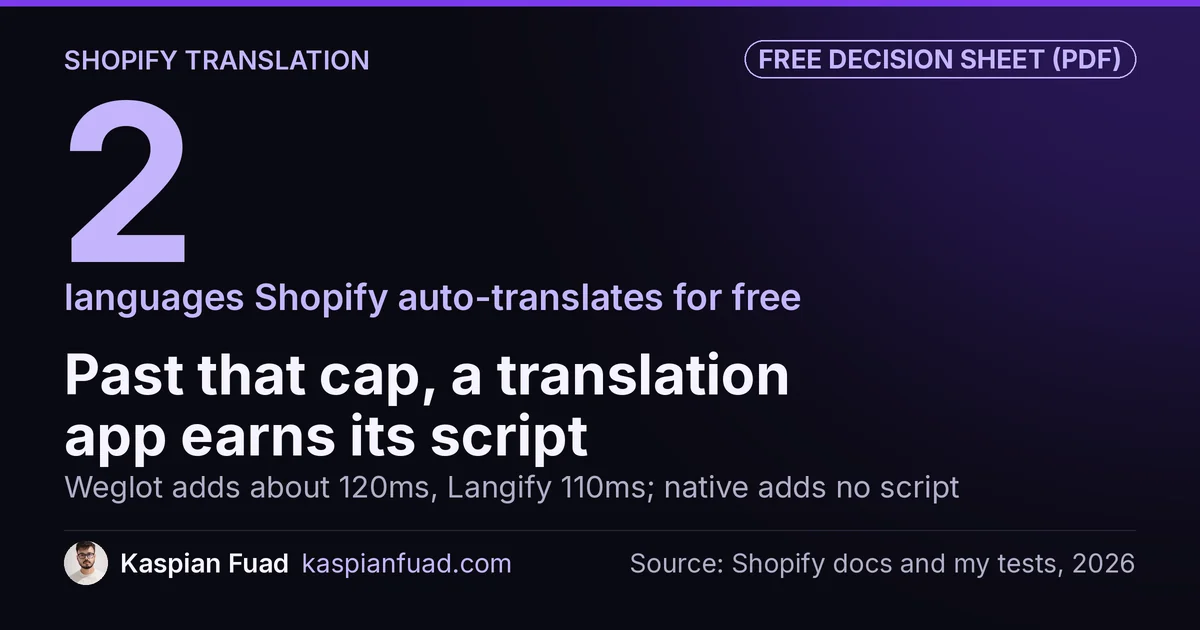
TL;DR: Shopify’s free Translate & Adapt serves translated pages natively, with no third-party script and automatic hreflang. Weglot and Langify each load a language-switcher script on your storefront, and I measured them at about 120ms and 110ms of blocking time. The catch: native auto-translation caps at 2 languages. So the real question is not which app is best, it is whether you need more than two languages machine-translated at once.
Every store I audit for speed and conversion that sells abroad has the same setup: a translation app bolted on, adding a script to every page, when Shopify now ships a native tool that does the job for free and adds nothing to the browser.
Sometimes the app is the right call. Often it is not. Here is how to tell, with the speed numbers nobody else publishes.
What do Shopify translation apps cost?
Two of the three options here are apps, and they price on how much you machine-translate.
| Tool | Blocking time | Price | Model |
|---|---|---|---|
| Shopify Translate & Adapt | Native, no script | Free | Server-side, native |
| Langify | 110ms | Free tier, then $17.50 to $59.95/mo | App, stores in Shopify |
| Weglot | 120ms | Free tier, then $17 to several hundred/mo | App, client-side switcher |
Shopify Translate & Adapt is free, built by Shopify, and rated 4.5 stars across 1,396 reviews. Weglot starts with a free tier for one language and 2,000 words, then charges by word count: $17 a month at Starter, $32 at Business for three languages, climbing into the hundreds for high-volume catalogs. Langify has a free manual tier and paid plans from $17.50 a month, with the included auto-translation word packs credited once, not monthly.
So the app path is not expensive to start, but the pricing tells you what you are paying for: machine translation at volume. If you are not using much of that, you are paying for a capability the free native tool already covers.
Do translation apps slow down your Shopify store?
Yes, and the reason is the same one I keep finding across app categories. The app has to run in the browser.
On Shopify, both Weglot and Langify install a client-side language-switcher script on your storefront. Weglot describes its own snippet as an “asynchronous script that’s less than 100KB”, and even its subfolder mode still ships that switcher library. Any third-party JavaScript on the page competes for the main thread, and web.dev is direct about the cost: scripts in the critical path delay parsing and can drag your Core Web Vitals. I measured that cost at roughly 120ms for Weglot and 110ms for Langify, from the same library behind my 191-app bloat report.
Shopify’s Translate & Adapt skips the script entirely. Shopify serves the translated page from its own servers on a Markets URL, so the browser never downloads a switcher library. That is the whole reason it does not show up in your blocking time. You can confirm what your own store carries with my App Bloat Detector.
Weglot vs Langify: which is better?
If you have decided you need an app, this is the real head-to-head.
Langify is the older hand, running since 2014, and it is Built for Shopify. It stores translations inside Shopify’s own locale system and gives you fine, manual control over every string, with optional word-pack auto-translation on top. It measured slightly lighter at 110ms, and it rates 4.7 stars.
Weglot leans the other way. Its strength is hands-off automatic machine translation across many languages at once, managed through its own dashboard and served by its switcher script. It prices by word count, so it scales with your catalog rather than a flat fee, and it rates 4.5 stars.
The speed gap between them is small, 10ms, and not what should decide it. Pick Langify for manual control, longevity, and staying inside Shopify. Pick Weglot when you want to translate a large catalog into several languages automatically and not touch it again.
Is Shopify’s free Translate & Adapt good enough?
For a lot of stores, yes, and Shopify built it to be.
It translates products, collections, pages, blog posts, policies, and metafields, with both a manual editor and automatic machine translation side by side. Crucially for search, Shopify adds hreflang tags automatically and lists every published language in your sitemaps, serving each one on its own Markets URL. That is the correct multilingual SEO setup, which I cover in depth in my hreflang guide, and you get it with no app and no script.
The one hard limit worth knowing: automatic translation caps at two languages. You can add more languages, but past the first two you are translating field by field. It also will not touch a few things, like text baked into product images or collection filters.
For a store launching in one or two extra markets, that is rarely a dealbreaker. You get native speed, free. Translation is one layer; if you also need duties and local checkout, I compared the cross-border selling options by fee.
When do you still need a translation app?
Be honest about which of these you actually hit, because most stores do not hit any of them.
- Three or more languages, auto-translated. This is the real trigger. Native auto-translation stops at two, so a genuinely multilingual catalog that you will not hand-translate needs an app.
- Hands-off translation of new content. If you add products constantly and want them machine-translated on arrival without re-triggering anything, that is what the apps automate.
- A non-Markets setup. If you are not using Shopify Markets, a JS-widget app installs without restructuring your domains and regions.
- Bulk or professional translation ordering. Glossary management and ordering human translations through the tool are paid app features.
If none of those describe you, the app is a script you are paying for. Start native, measure, and only add an app when you can name the reason. I walk through that measure-first habit in my speed-up guide.
Want the decision on one page? I put the speed, price, and language limits for all three into a quick reference.
Download the Shopify translation tool comparison (PDF)
The takeaway
- Start native. Shopify Translate & Adapt is free, adds no third-party script, and handles hreflang automatically.
- Know the one limit. Native auto-translation caps at two languages. That cap, not the apps, is what should trigger a purchase.
- Apps cost speed. Weglot measured about 120ms and Langify about 110ms of blocking time, from the switcher script they load on your storefront.
- Pick by control, not by 10ms. Langify for manual control and longevity, Weglot for hands-off auto-translation at scale.
- Buy on need. Add an app only for three-plus auto-translated languages, constant new content, a non-Markets setup, or bulk professional translation.
I am Kaspian Fuad, a Shopify CRO consultant. I measure the speed cost of the apps most comparison sites only price, because the millisecond your shopper waits is the number that moves conversion.